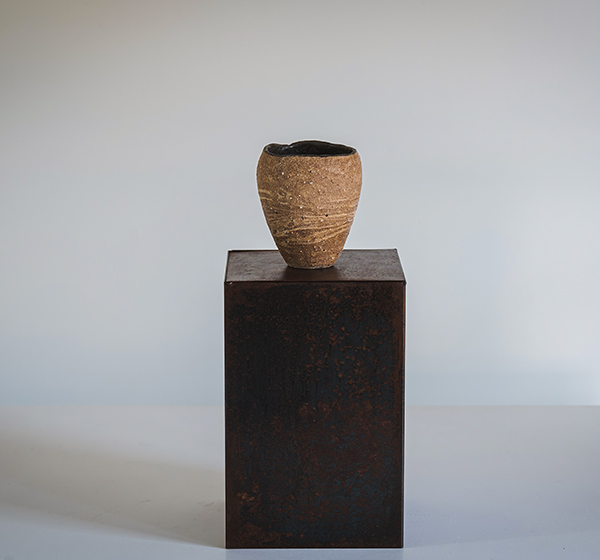
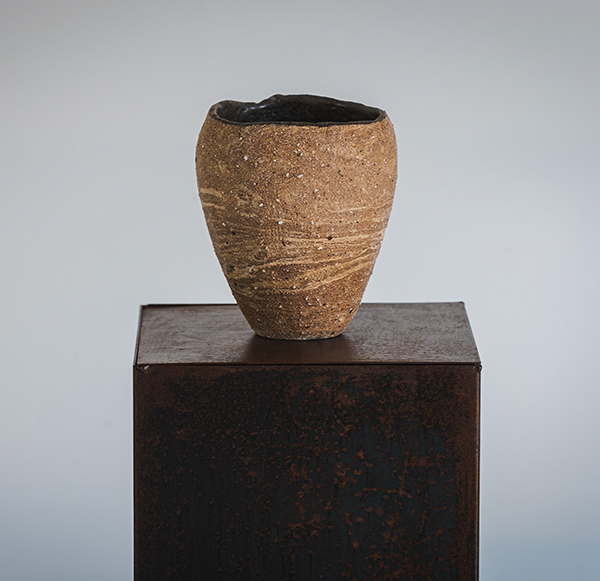
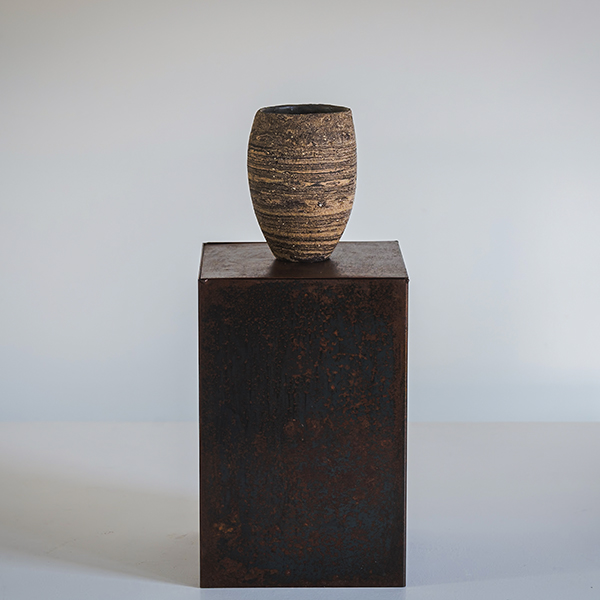
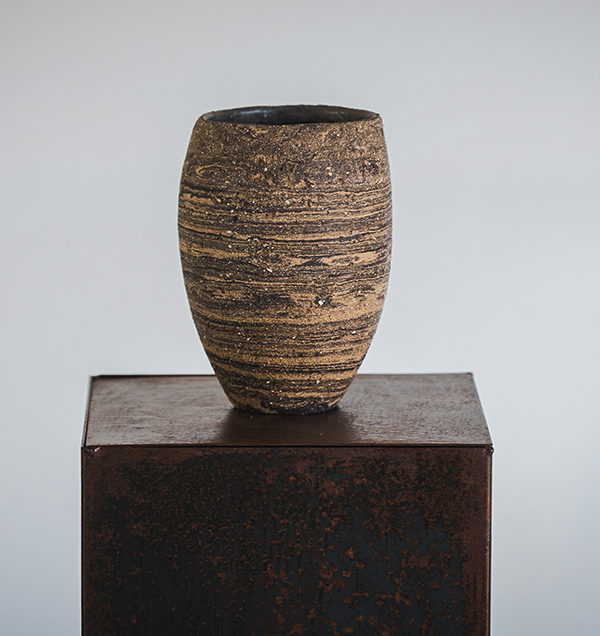

landscapes-9-ESP

landscapes-8-ESP

landscapes-7-ESP

landscapes-6-ESP

landscapes-5-ESP

landscapes-4-ESP

landscapes-3-ESP

landscapes-2-ESP

landscapes-1-ESP

landscapes-9-ANG

landscapes-8-ANG

landscapes-7-ANG

landscapes-6-ANG

landscapes-5-ANG

landscapes-4-ANG

landscapes-3-ANG

landscapes-2-ANG

landscapes-1-ANG

raku-9-ESP

raku-8-ESP

raku-7-ESP

raku-6-ESP

raku-5-ESP

raku-4-ESP

raku-3-ESP

raku-2-ESP

raku-1-ESP

raku-9-ANG

raku-8-ANG

raku-7-ANG

raku-6-ANG

raku-5-ANG

raku-4-ANG

raku-3-ANG

raku-2-ANG

raku-1-ANG

fishes-9-ESP

fishes-8-ESP

fishes-7-ESP

fishes-6-ESP

fishes-5-ESP

fishes-4-ESP

fishes-3-ESP

fishes-2-ESP

fishes-1-ESP

fishes-9-ANG

fishes-8-ANG

fishes-7-ANG

fishes-6-ANG

fishes-5-ANG

fishes-4-ANG

fishes-3-ANG

fishes-2-ANG

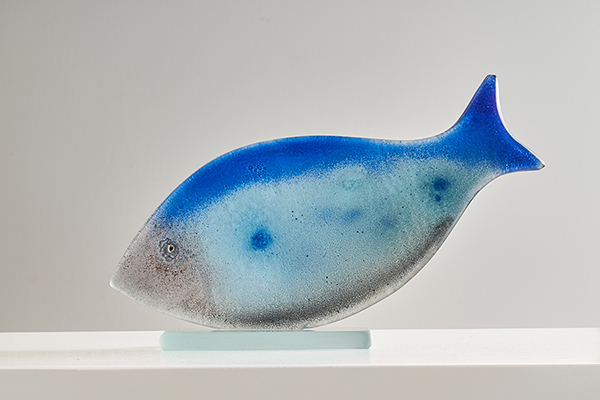
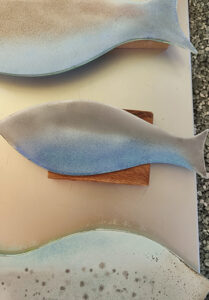
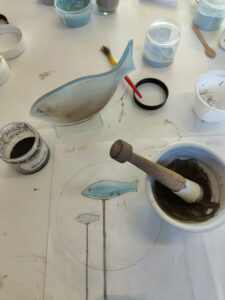
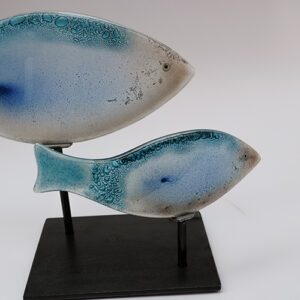
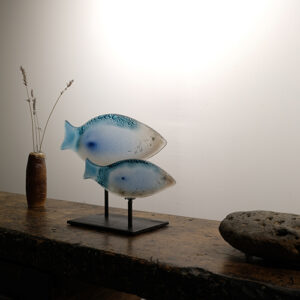
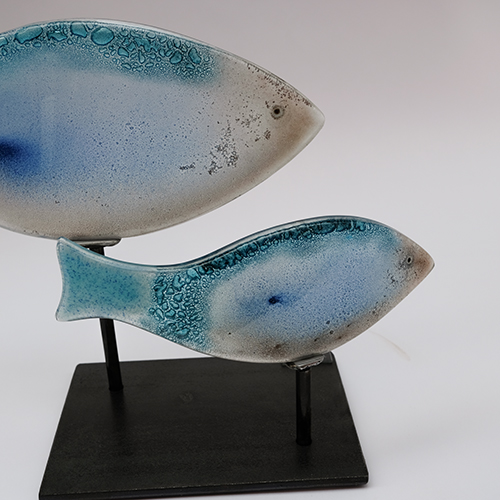
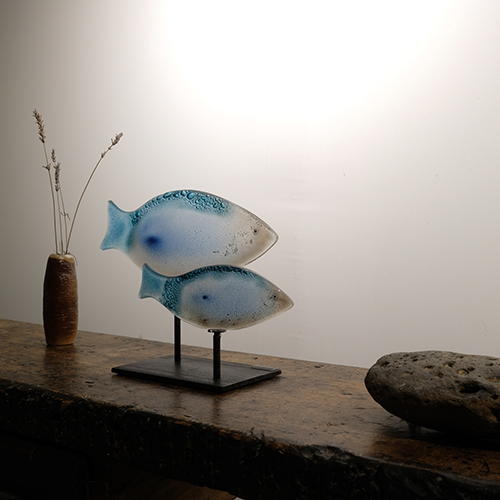
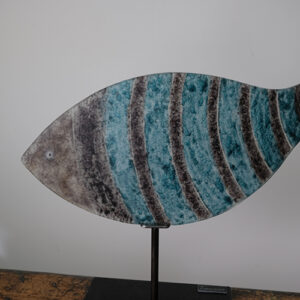
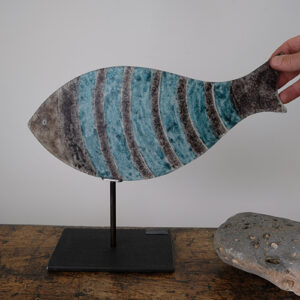
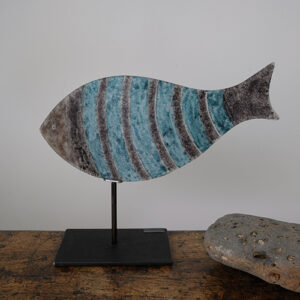
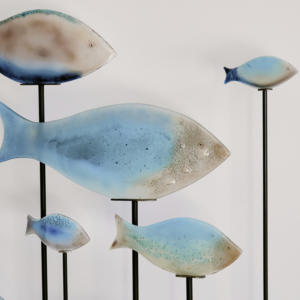
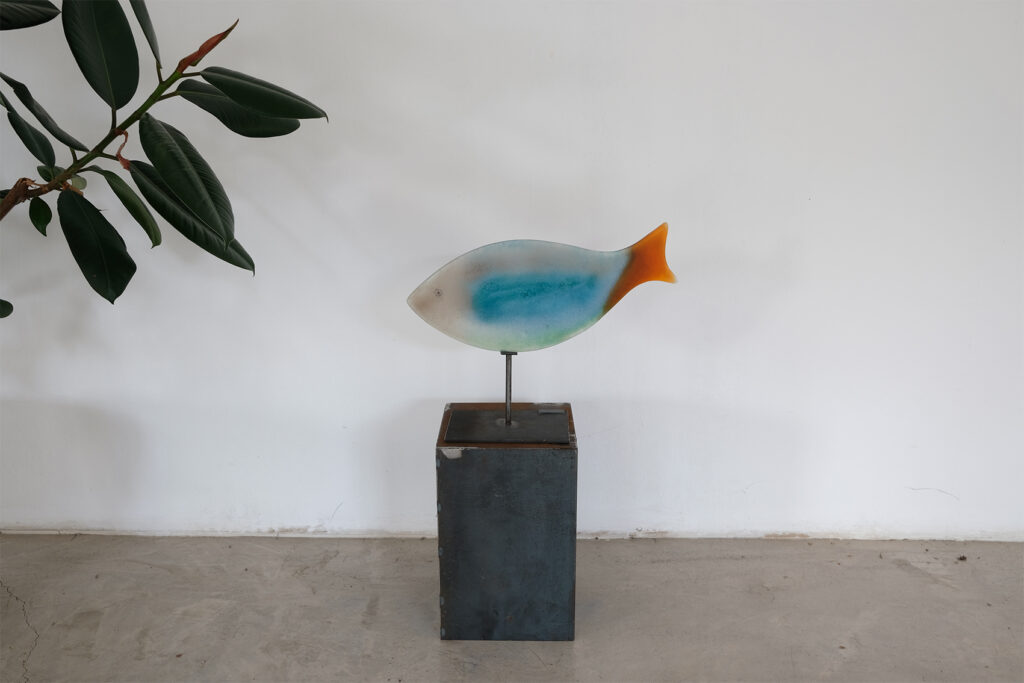
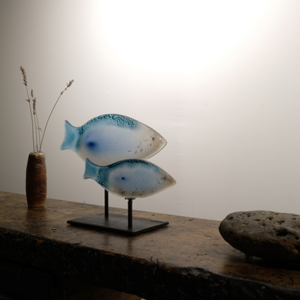
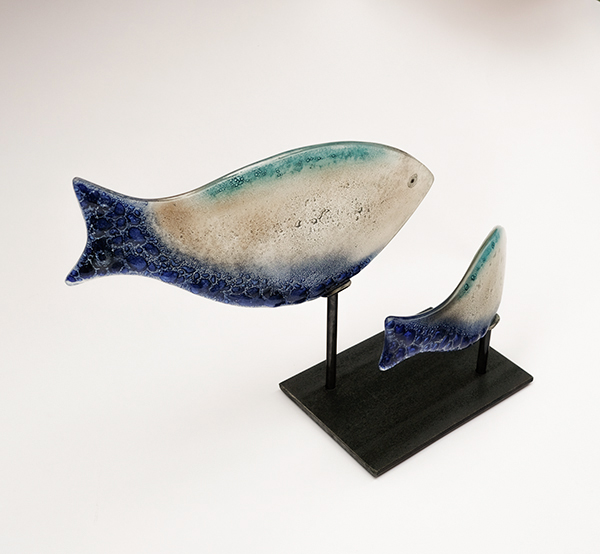
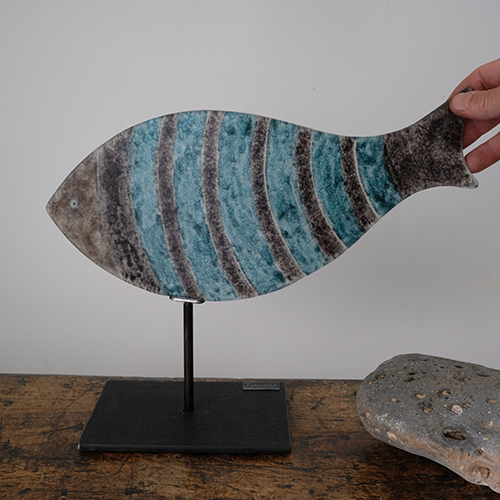
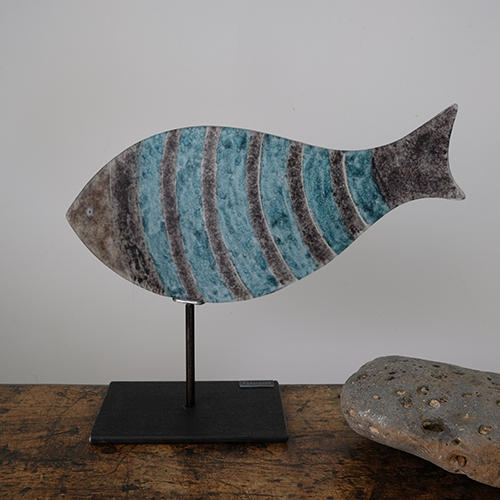
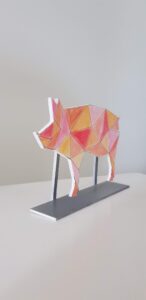
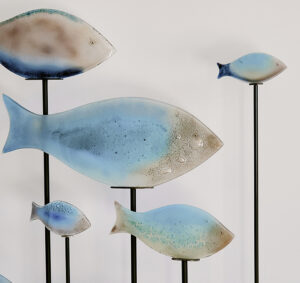
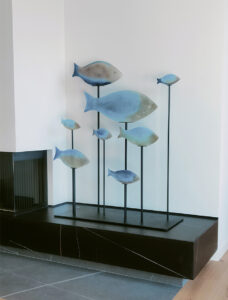
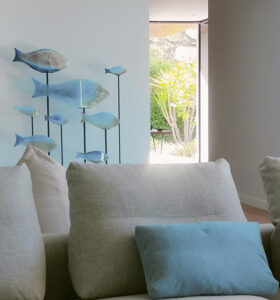
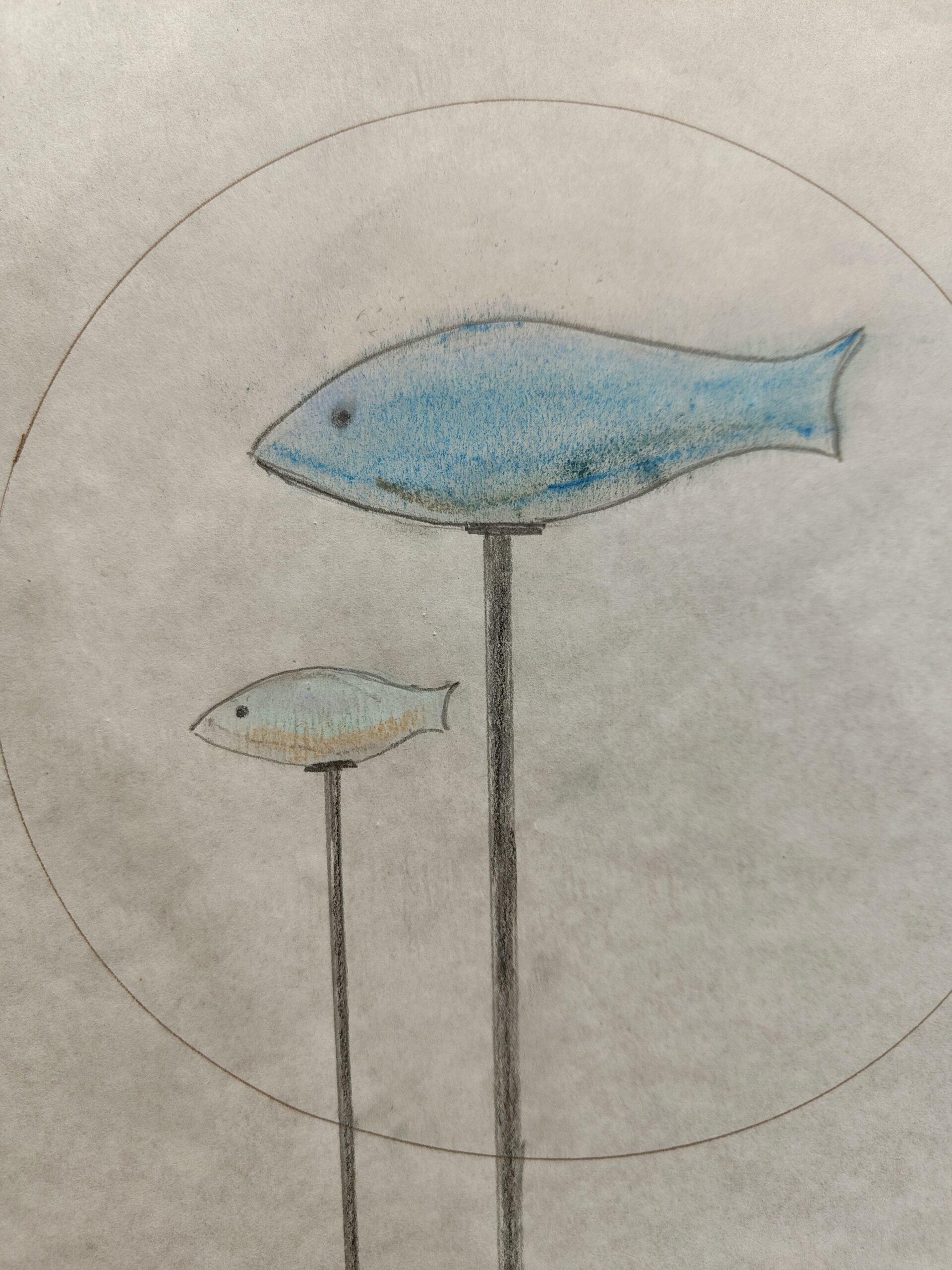
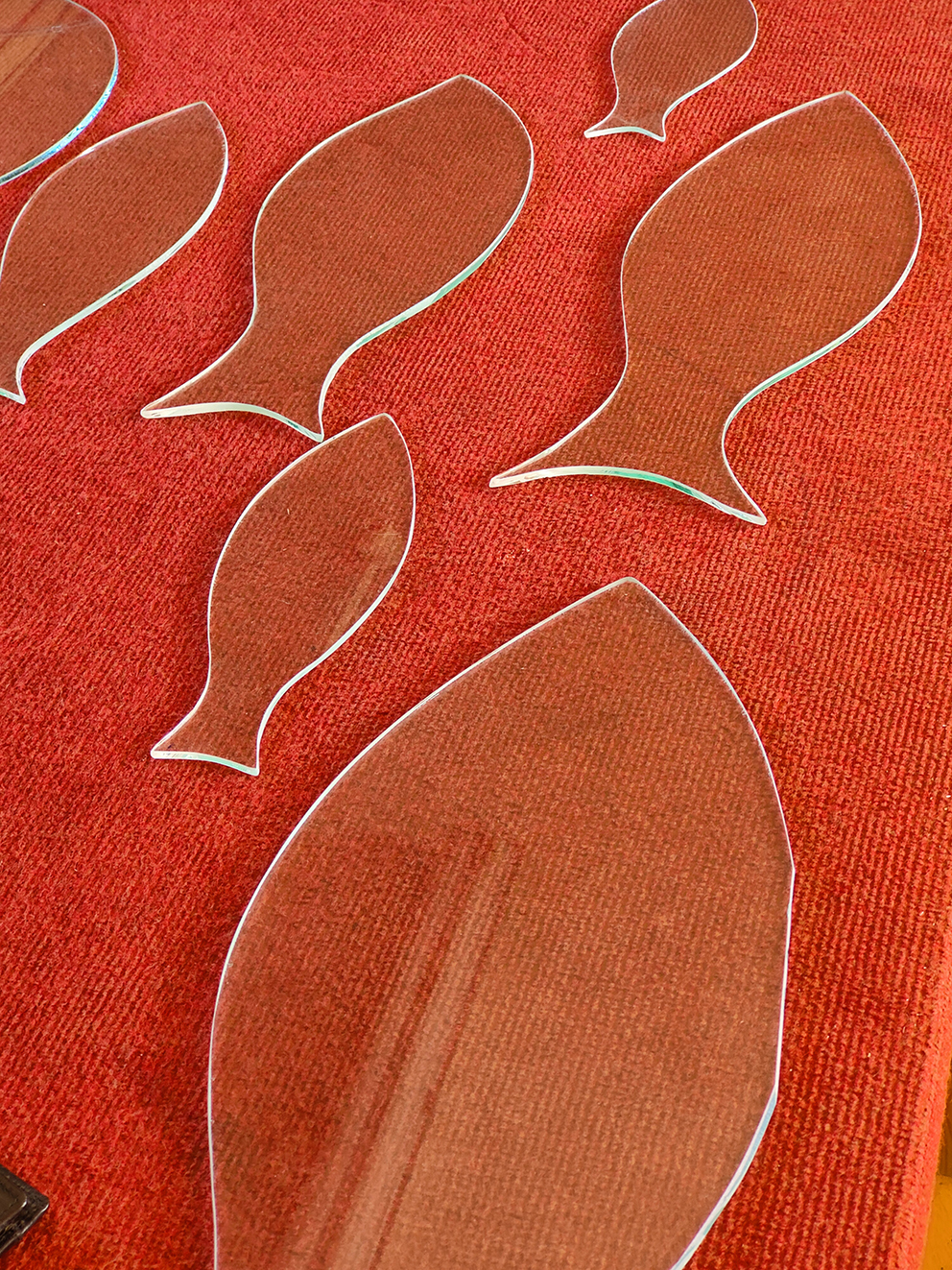
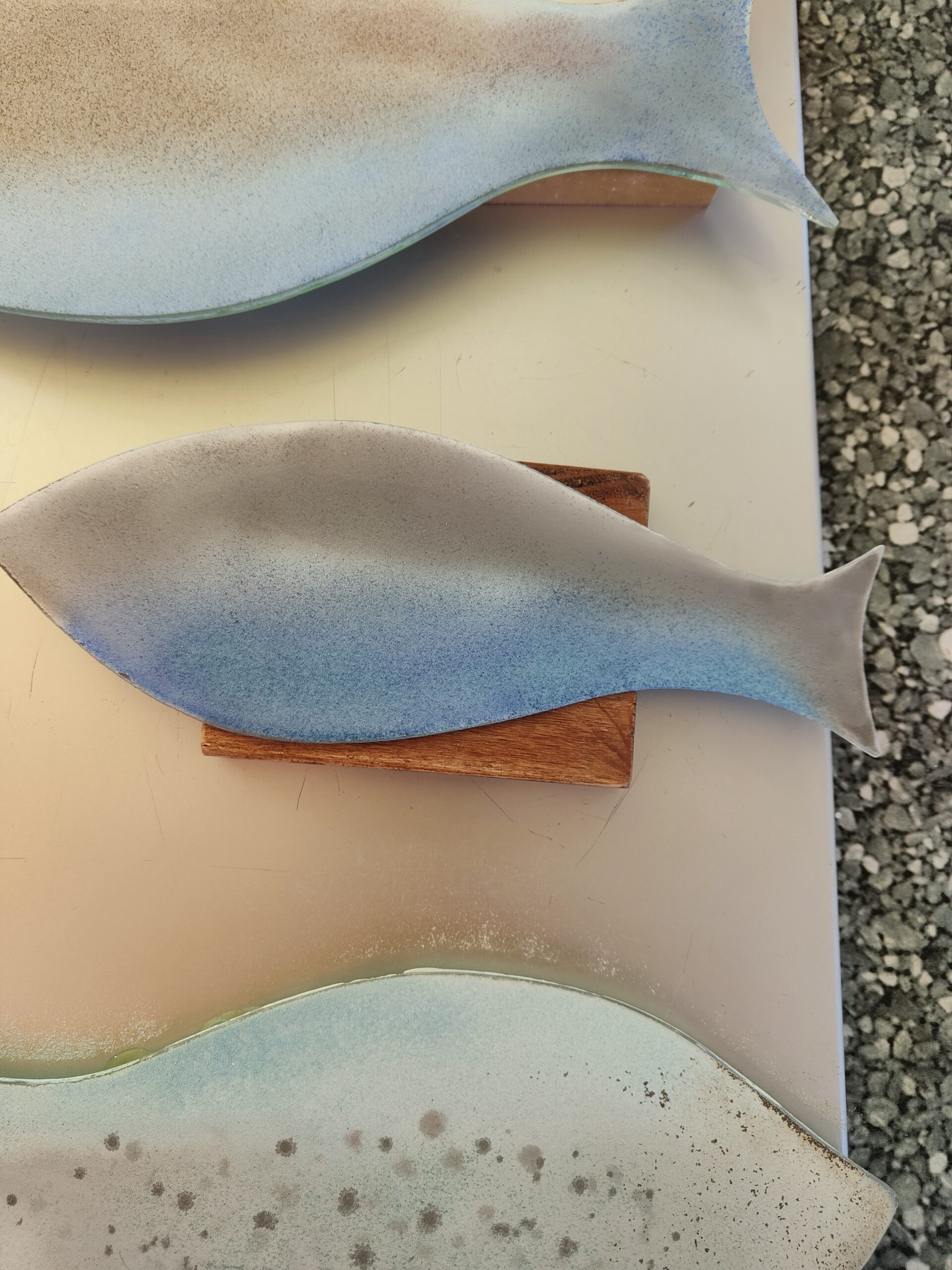
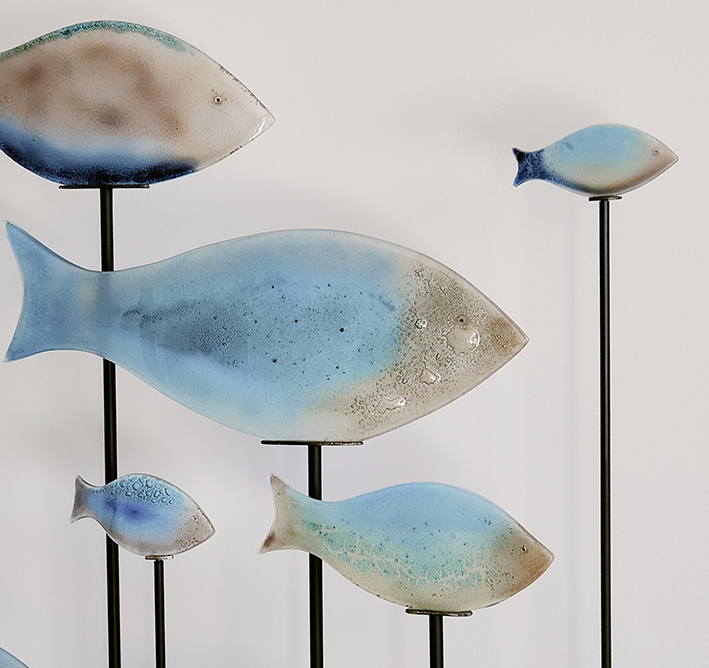
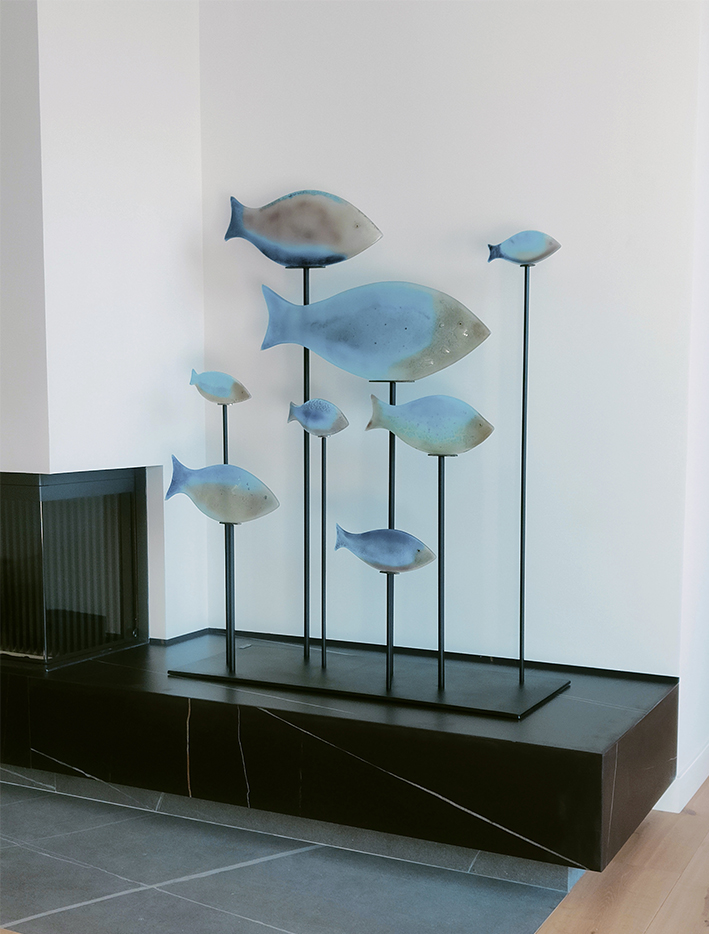
The fish collection consists of different unique pieces. The formats are as wide as your imagination. From a wall mural to a sculptural set. From a glass pedestal to an iron pedestal. From small fish to very large fish. If you are interested in having a fish on the wall, on the shelf, on the table, or in the garden, please contact me

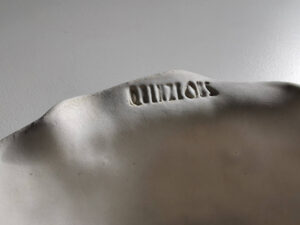
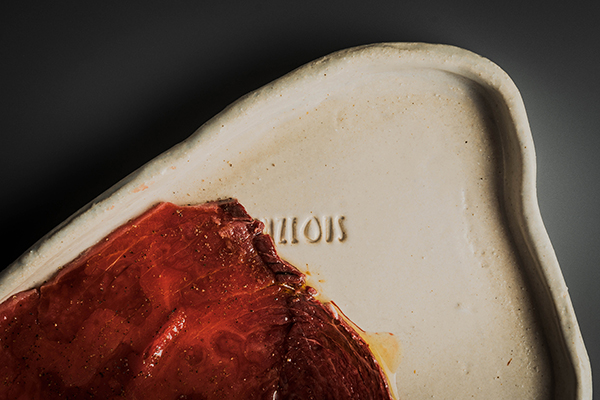
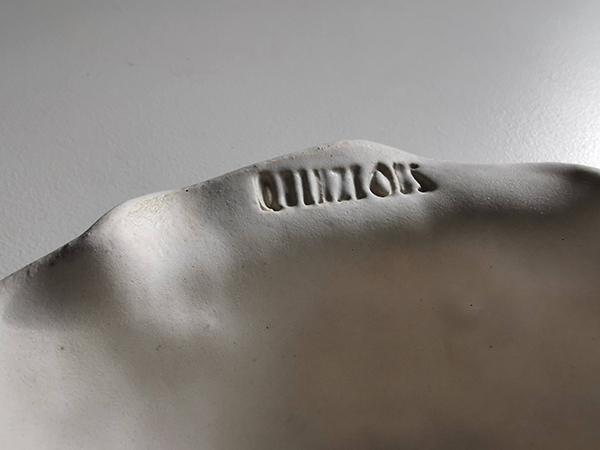
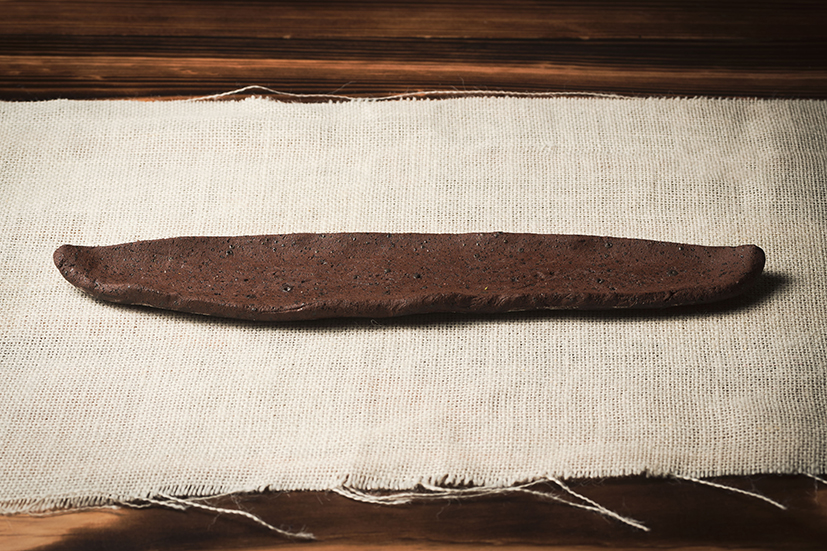
Detalle de las piezas de cerámica para el Restaurante Quinze Ous.

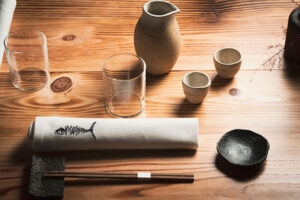
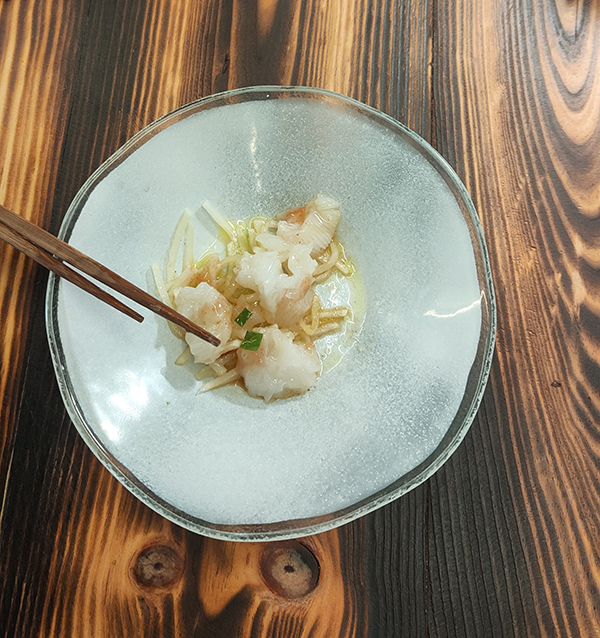
Detalle de las piezas de cerámica creadas para el Restaurant Malaespina Barra Japonesa.

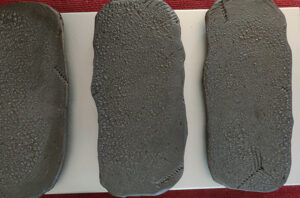
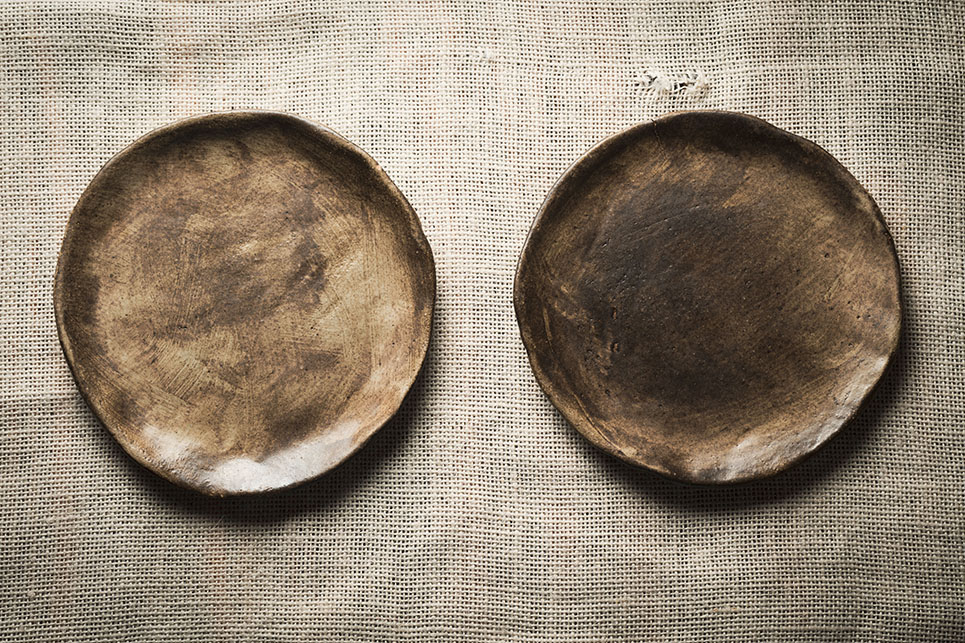
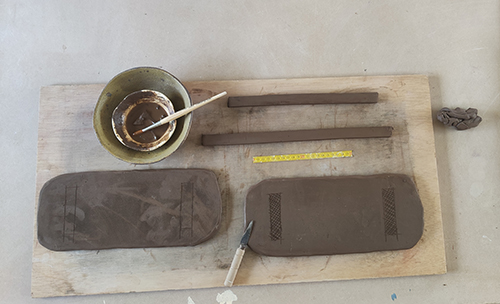
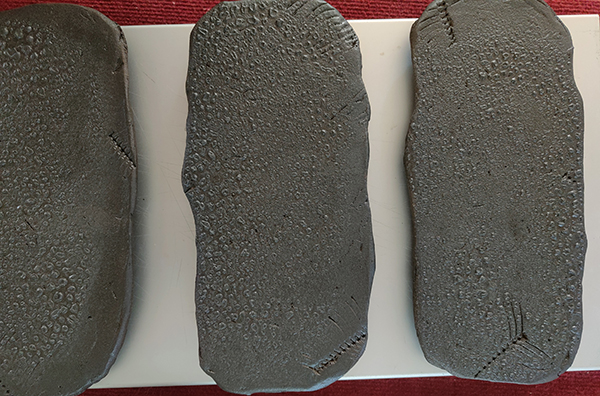
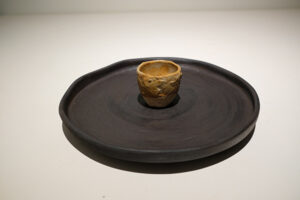
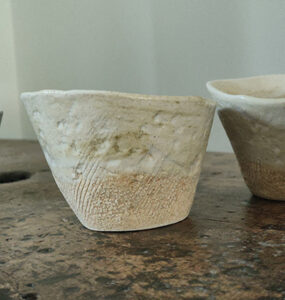
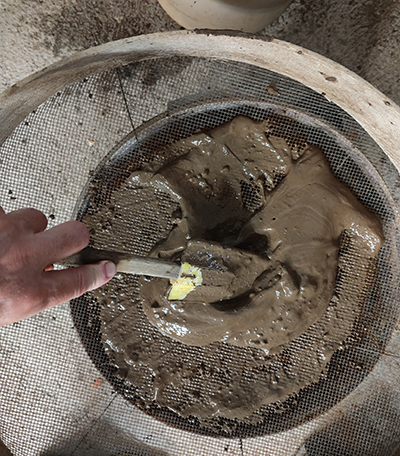
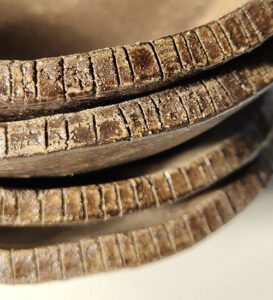
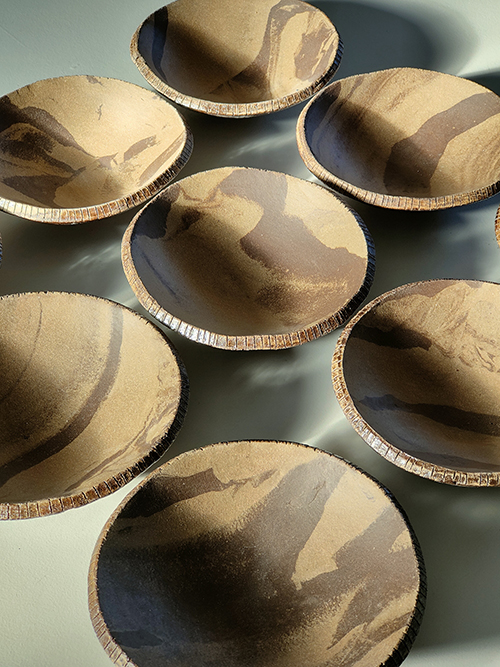
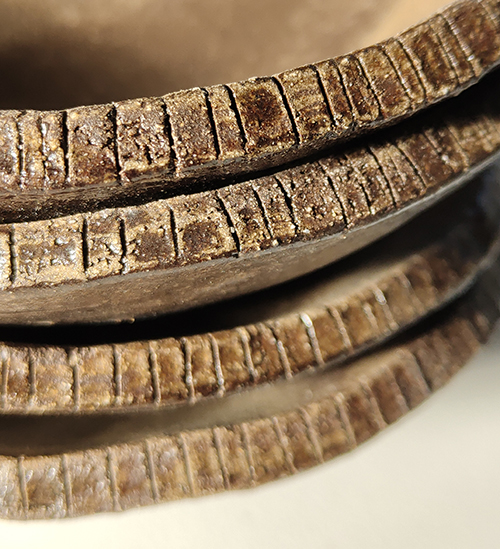
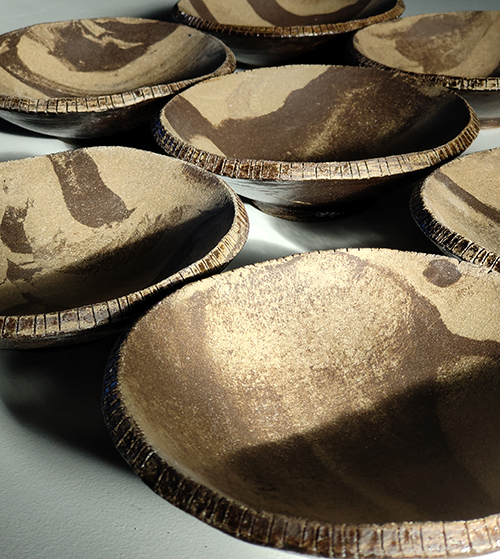
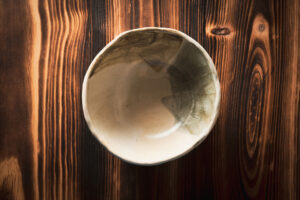
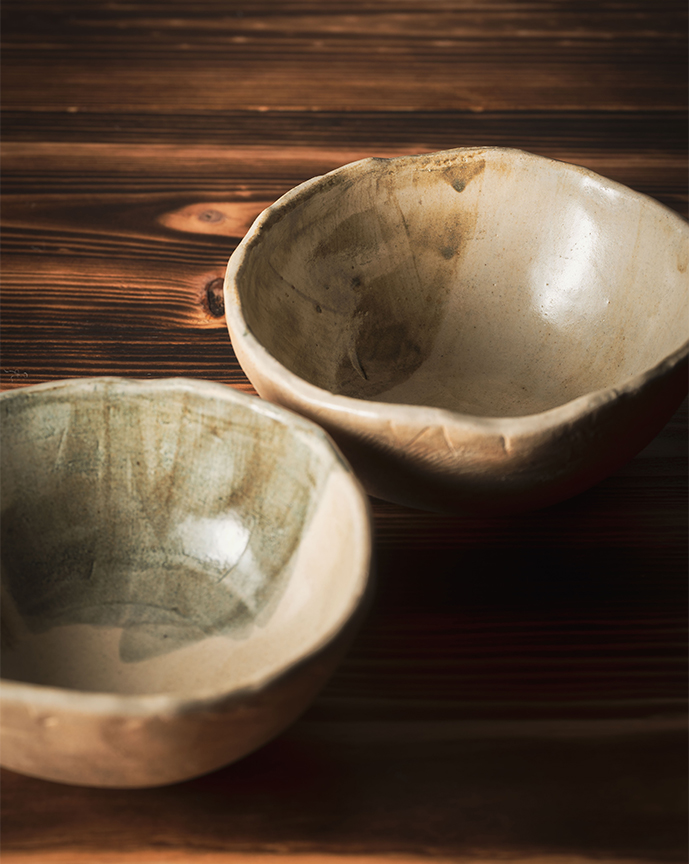
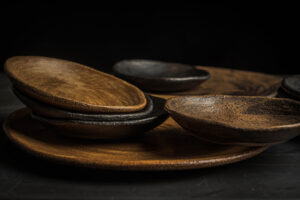
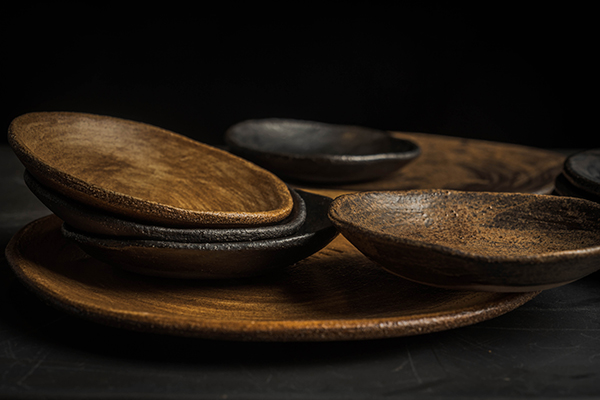
Vajilla de cerámica kilómetro cero, hecha con tierras volcánicas de la zona.

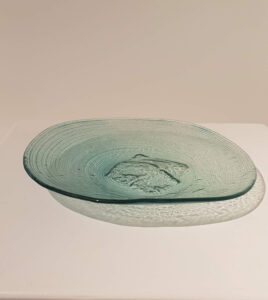
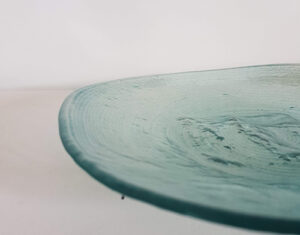
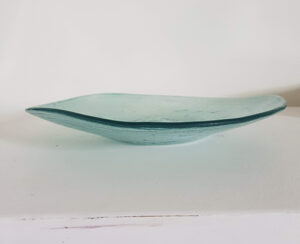
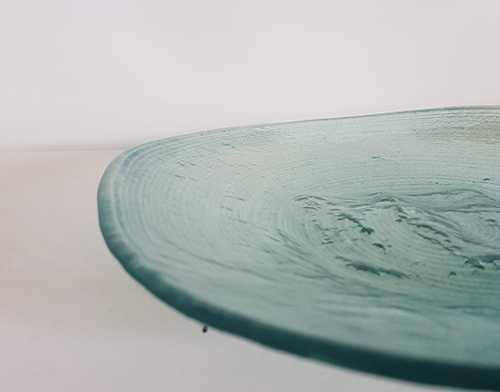
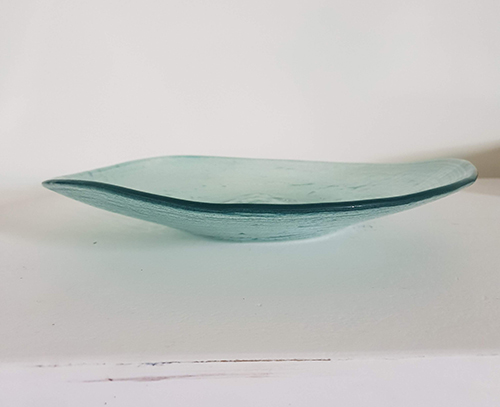
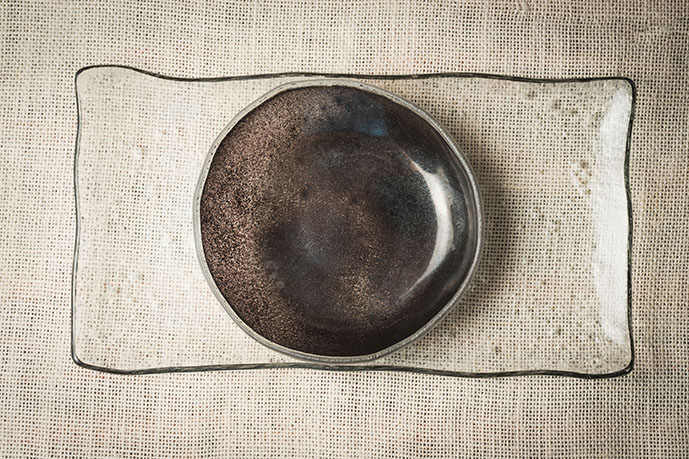
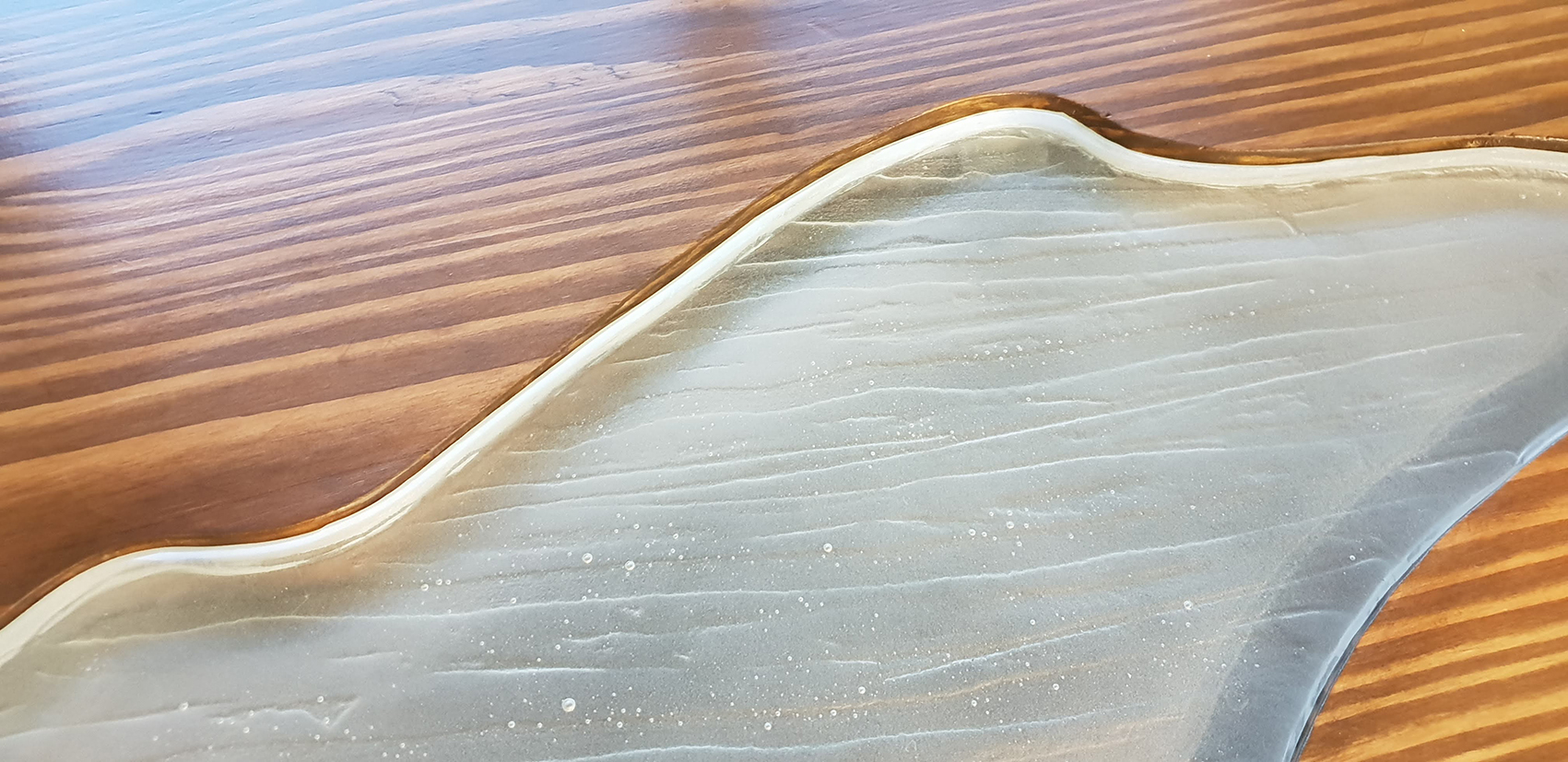
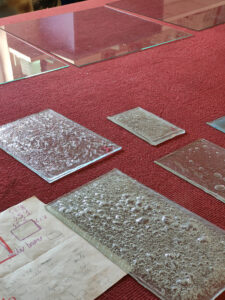
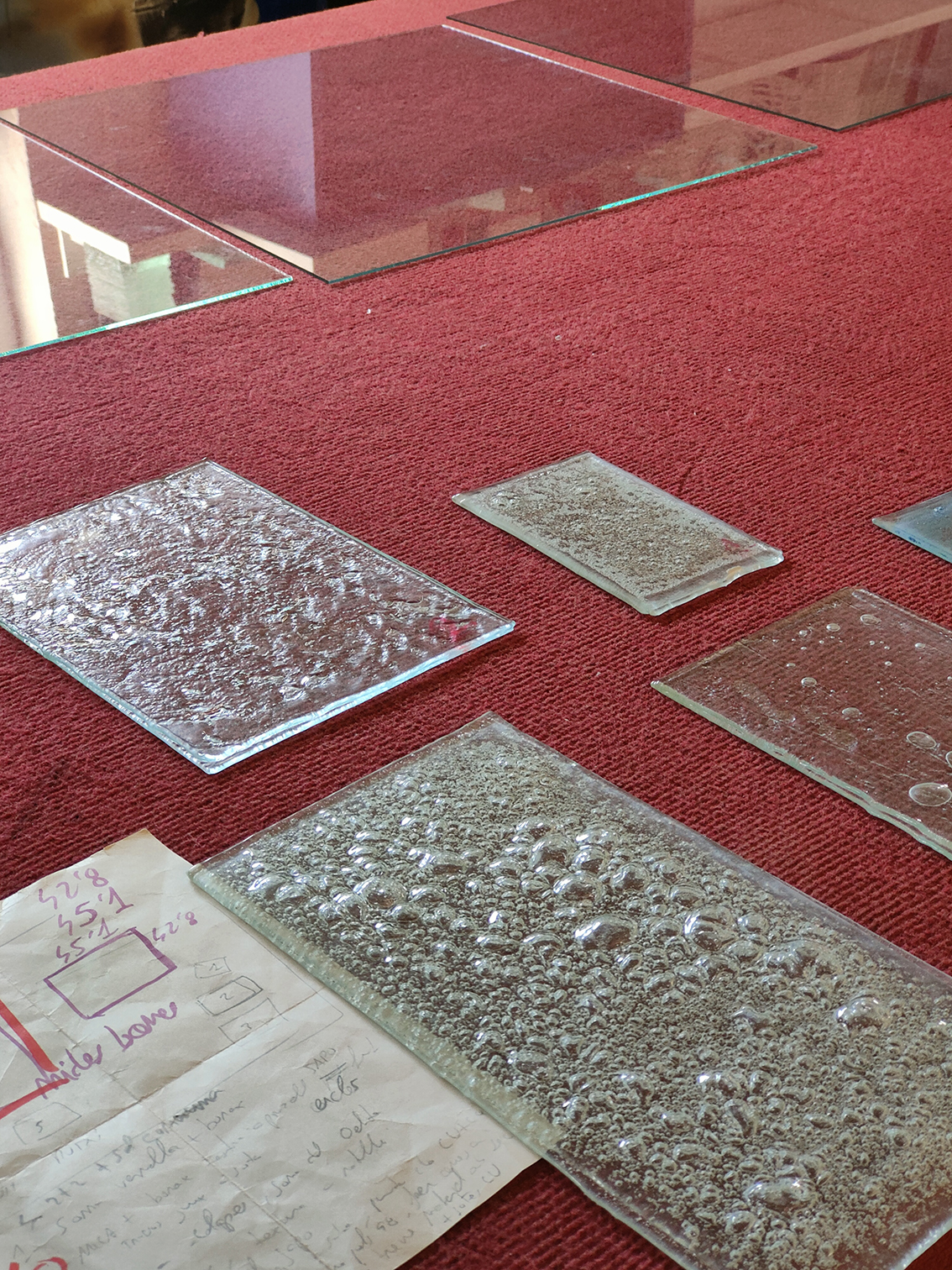
Plato de vidrio trabajado con textura y sobre molde irregular.

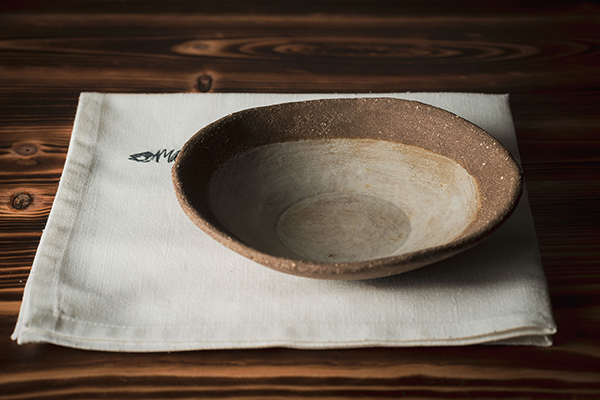
Boles de arcilla volcànica para el Restaurante Malespina Barra Japonesa

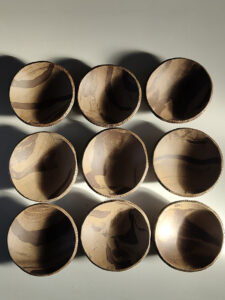
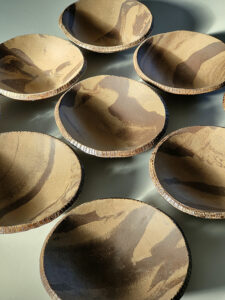
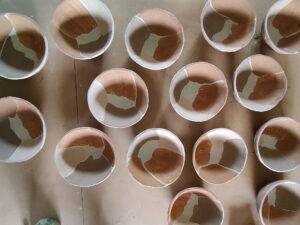
Boles de ceràmica hechos con mezcla de arcillas volcànicas con la técnica del Neriage para el Restaurante Equilibri.

Boles de ceràmica con esmaltes del territorio diseñados y producidos especialmente para el Restaurante Malespina Barra Japonesa

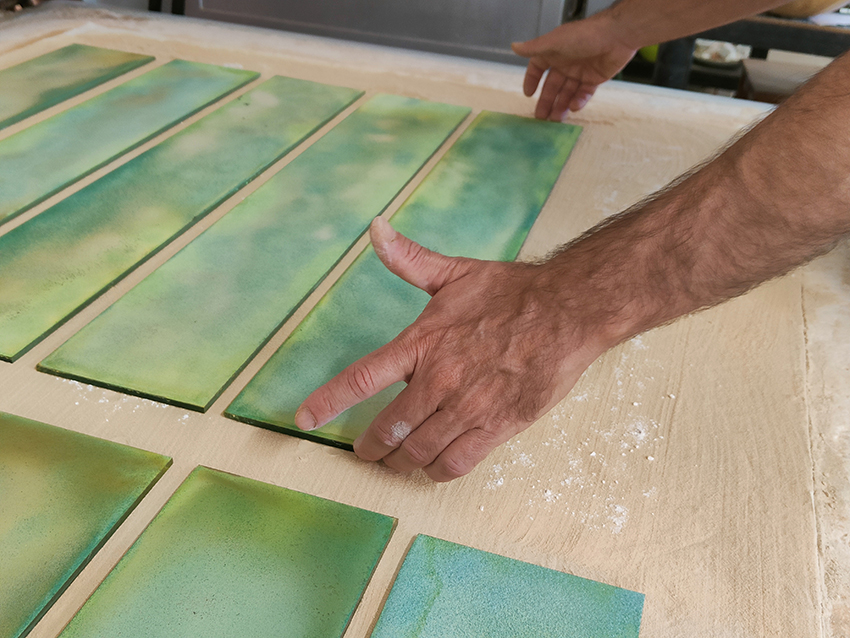
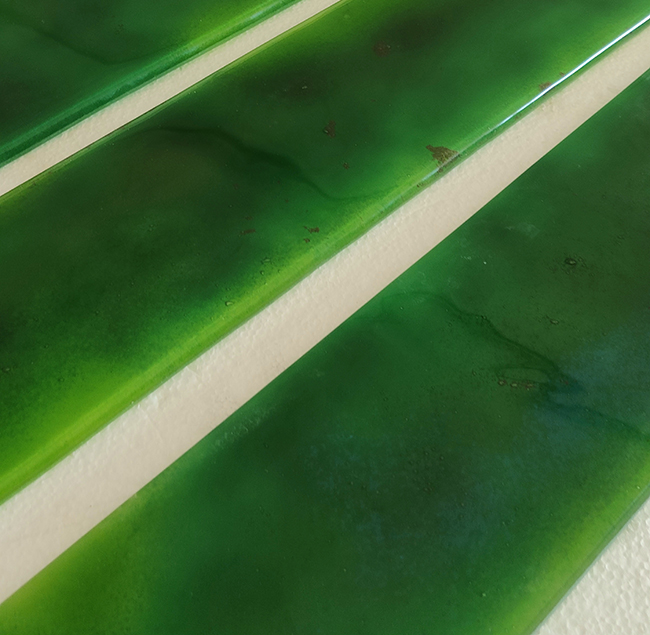
Piezas de vidrio especialmente diseñadas para el Restaurante Malespina Barra Japonesa.

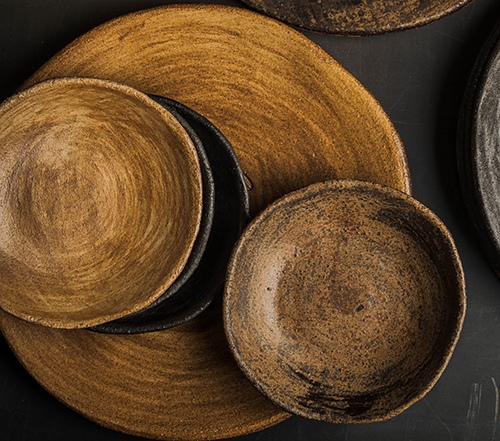
Proyecto integral de vajilla de cerámica para el Restaurante Quinze Ous. Mezcla de arcillas volcánicas locales. Los esmaltes también contienen tierras de la zona. Modeladas a mano y con el logo del establecimiento.

Details of the ceramic pieces for the Quinze Ous Restaurant.

Details of the ceramic pieces created for the Malaespina Japanese Bar Restaurant.

Local ceramic tableware made with volcanic clay from the area.

Glass plate worked with texture and irregular mold.

Volcanic clay bowls for the Malespina Japanese Bar Restaurant

Ceramic bowls made with a mixture of volcanic clays using the Neriage technique for the Equilibri Restaurant

Ceramic bowls with glazes from the region designed and produced especially for Malespina Japanese Bar Restaurant.

Glass pieces specially designed for the Malespina Japanese Bar Restaurant.

Comprehensive ceramic tableware project for the Restaurant Quinze Ous. A blend of local volcanic clays. The glazes also contain local soils. Handcrafted and with the establishment's logo.

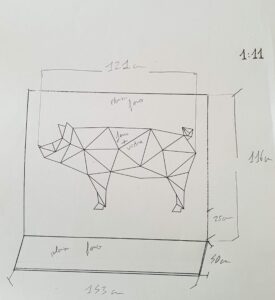
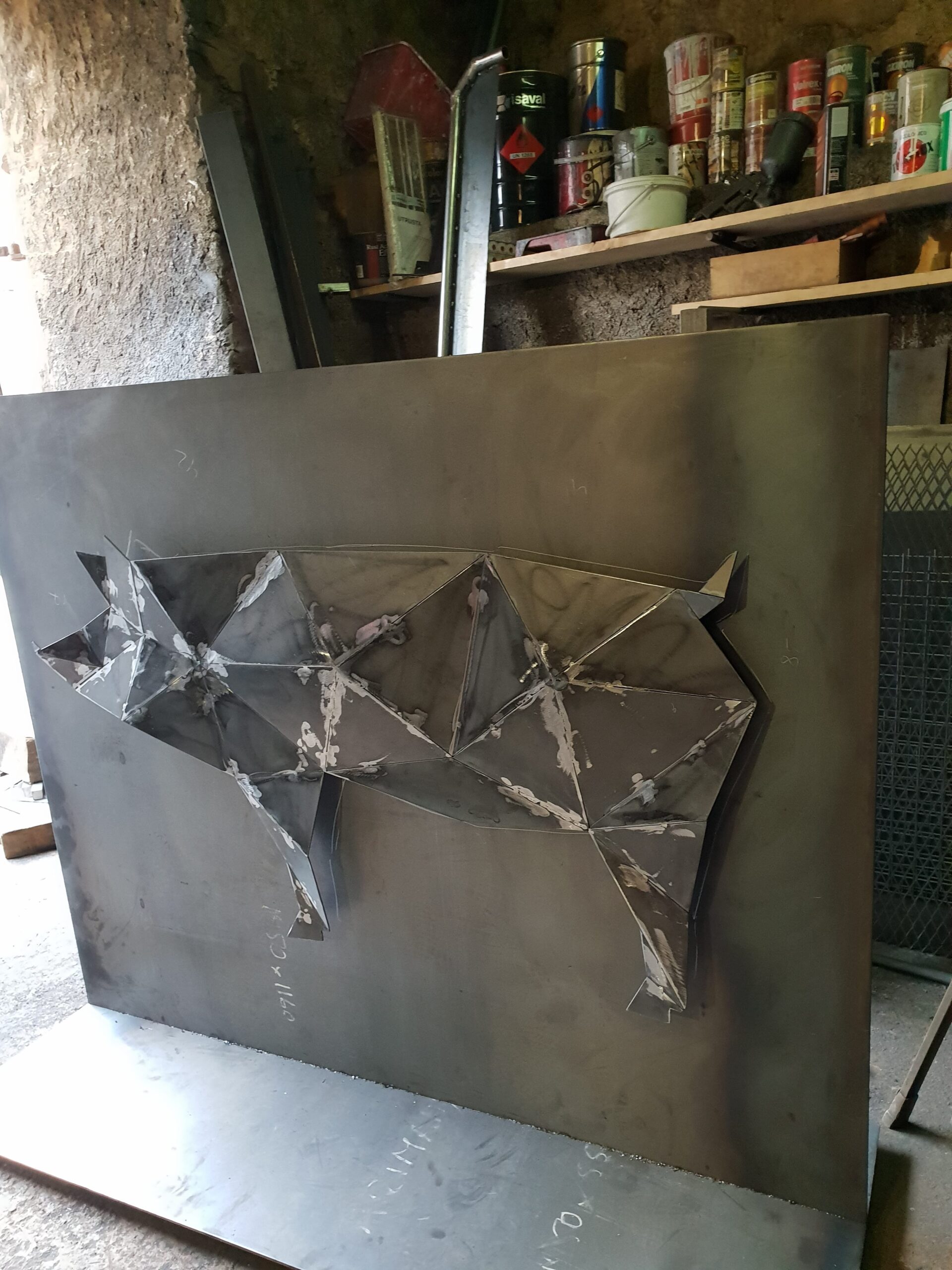
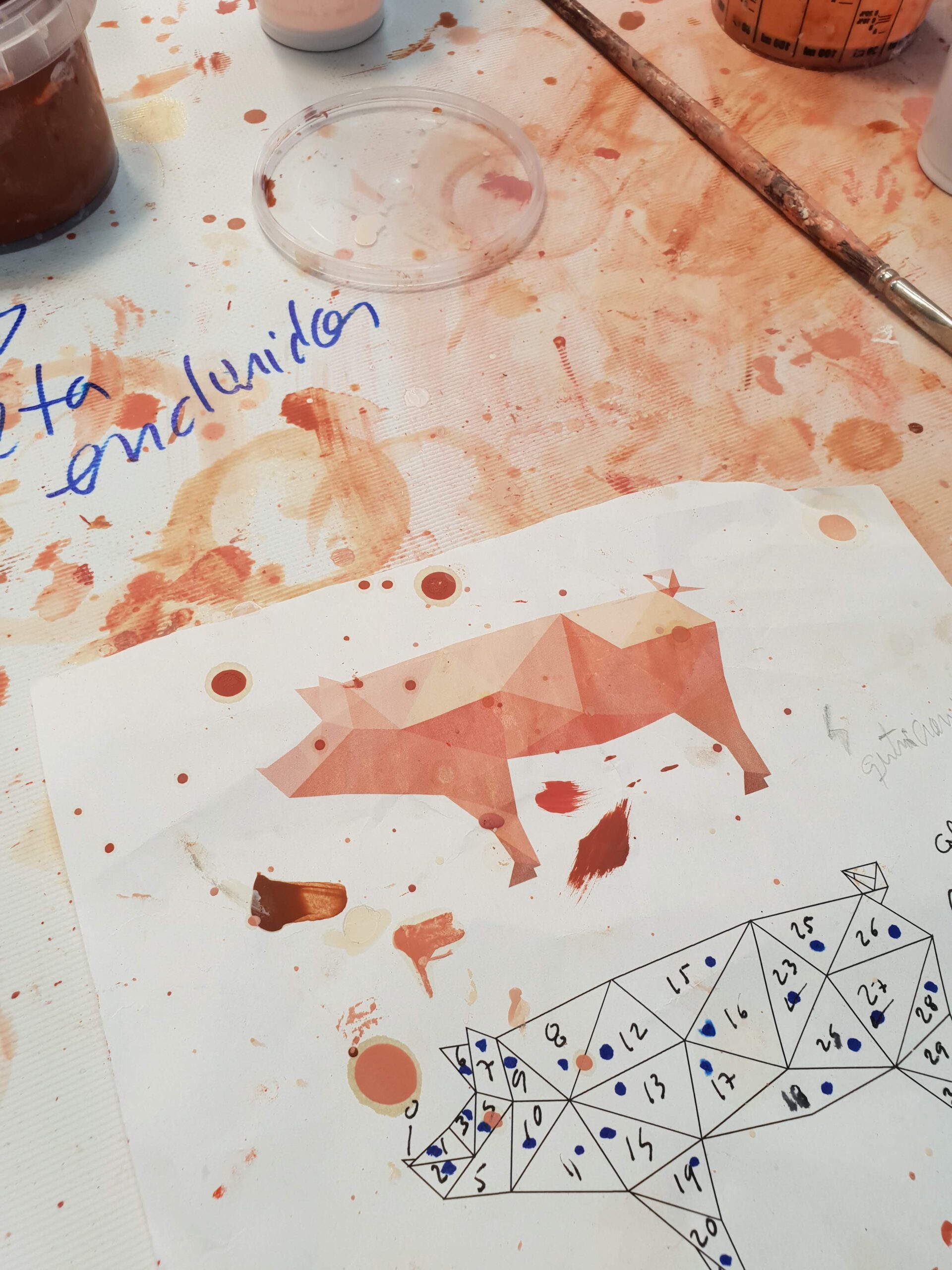
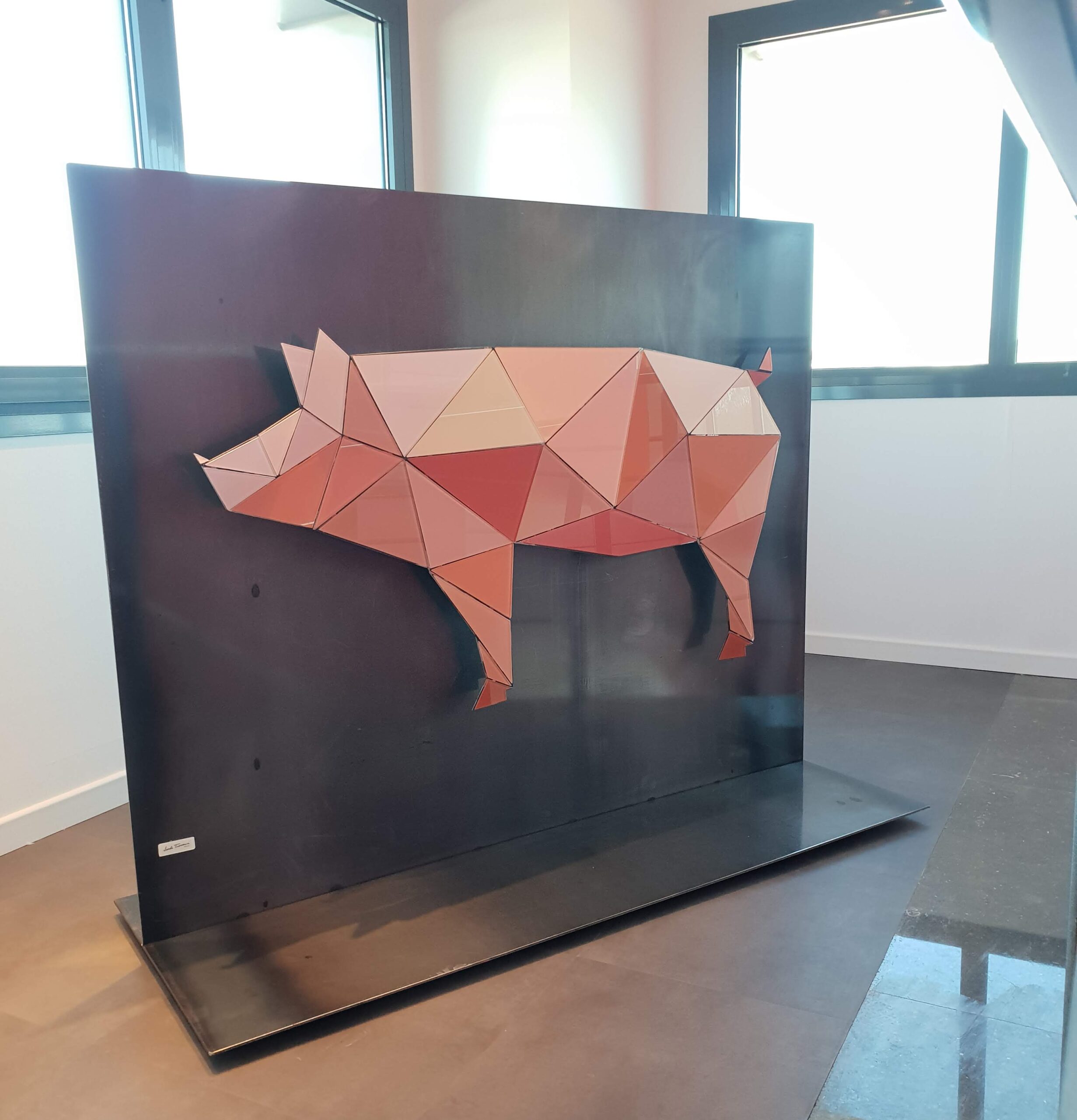
Escultura de hierro y vidrio creada a partir del logotipo de la empresa.

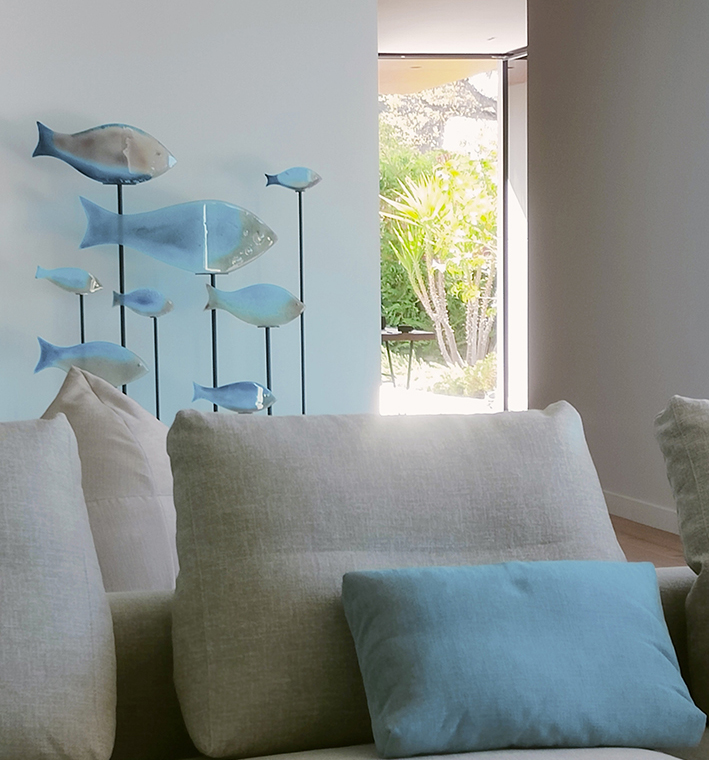
Escultura de peces de diferentes medidas creada especialmente para el espacio bajo escalera de la vivienda.

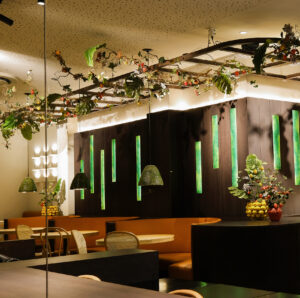
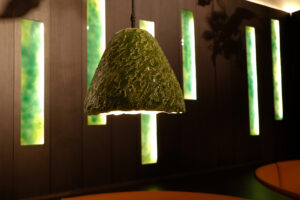
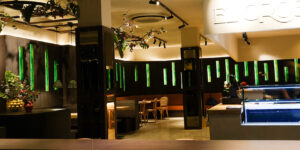
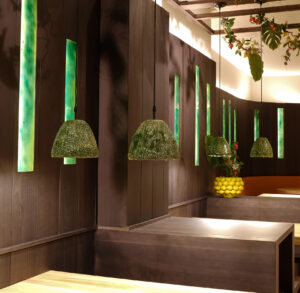
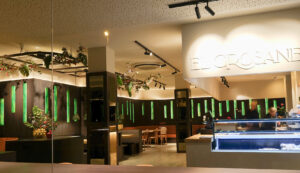
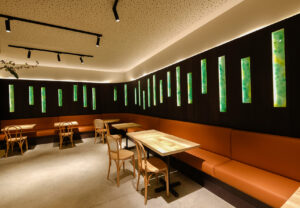
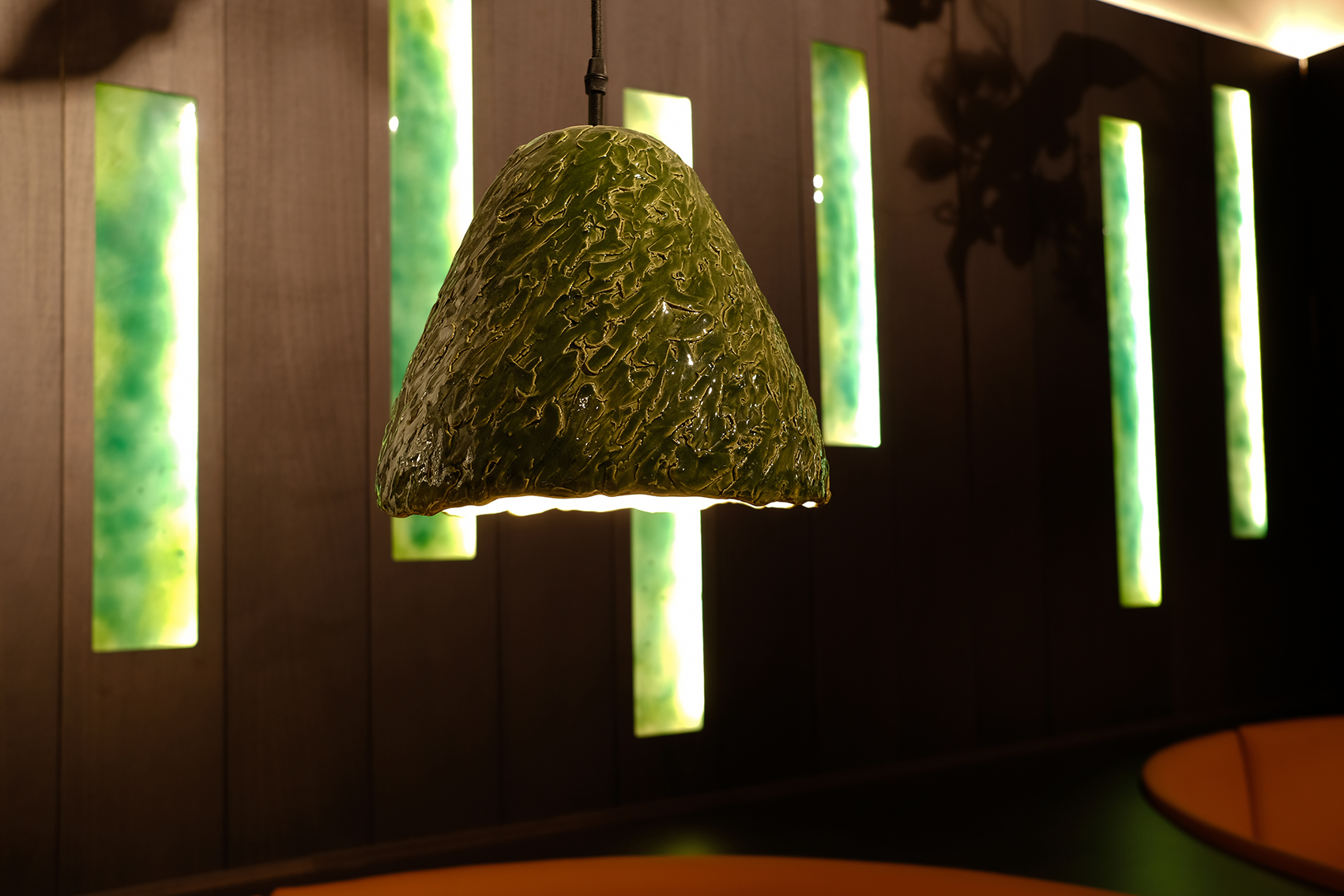
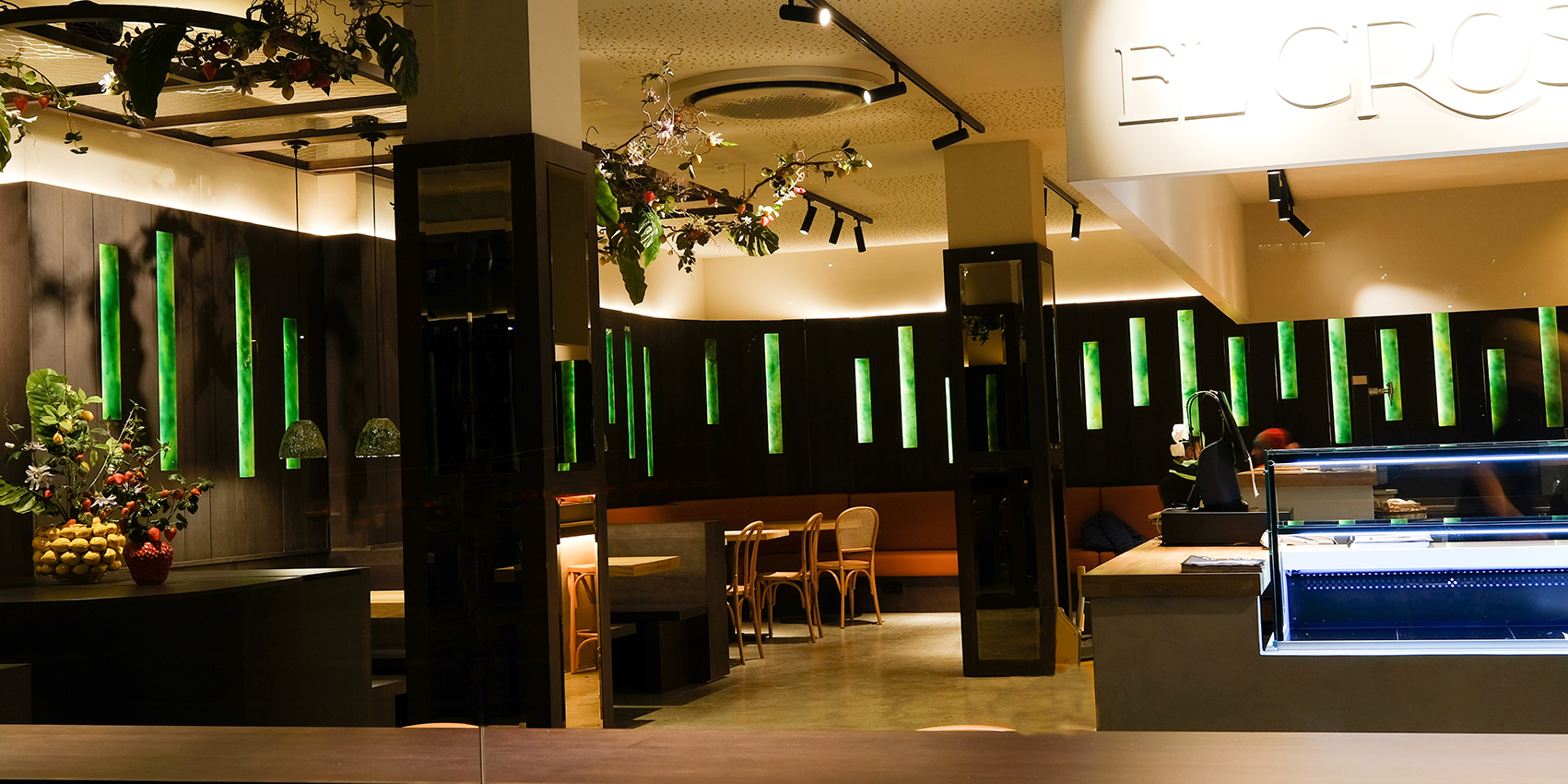
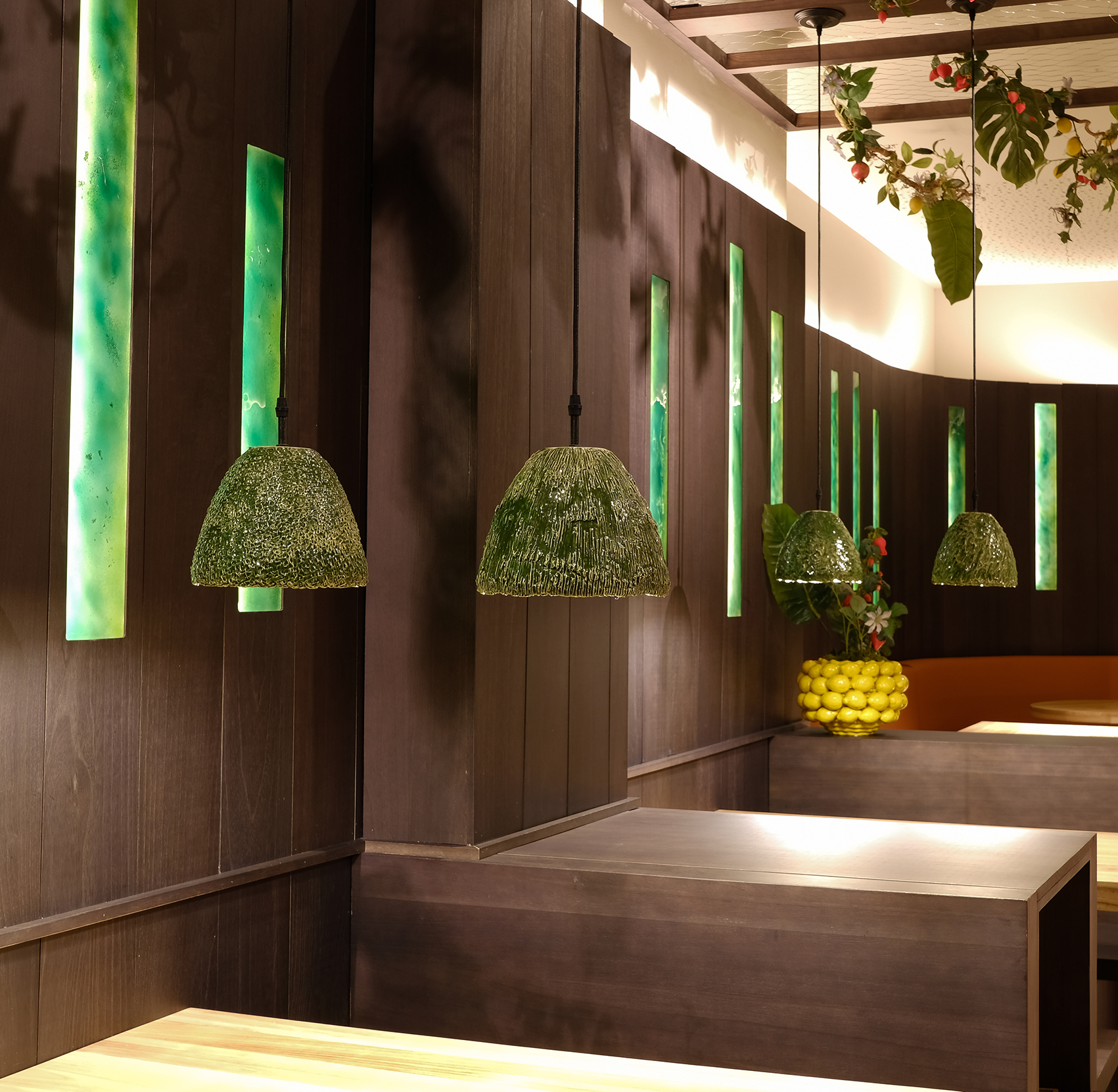
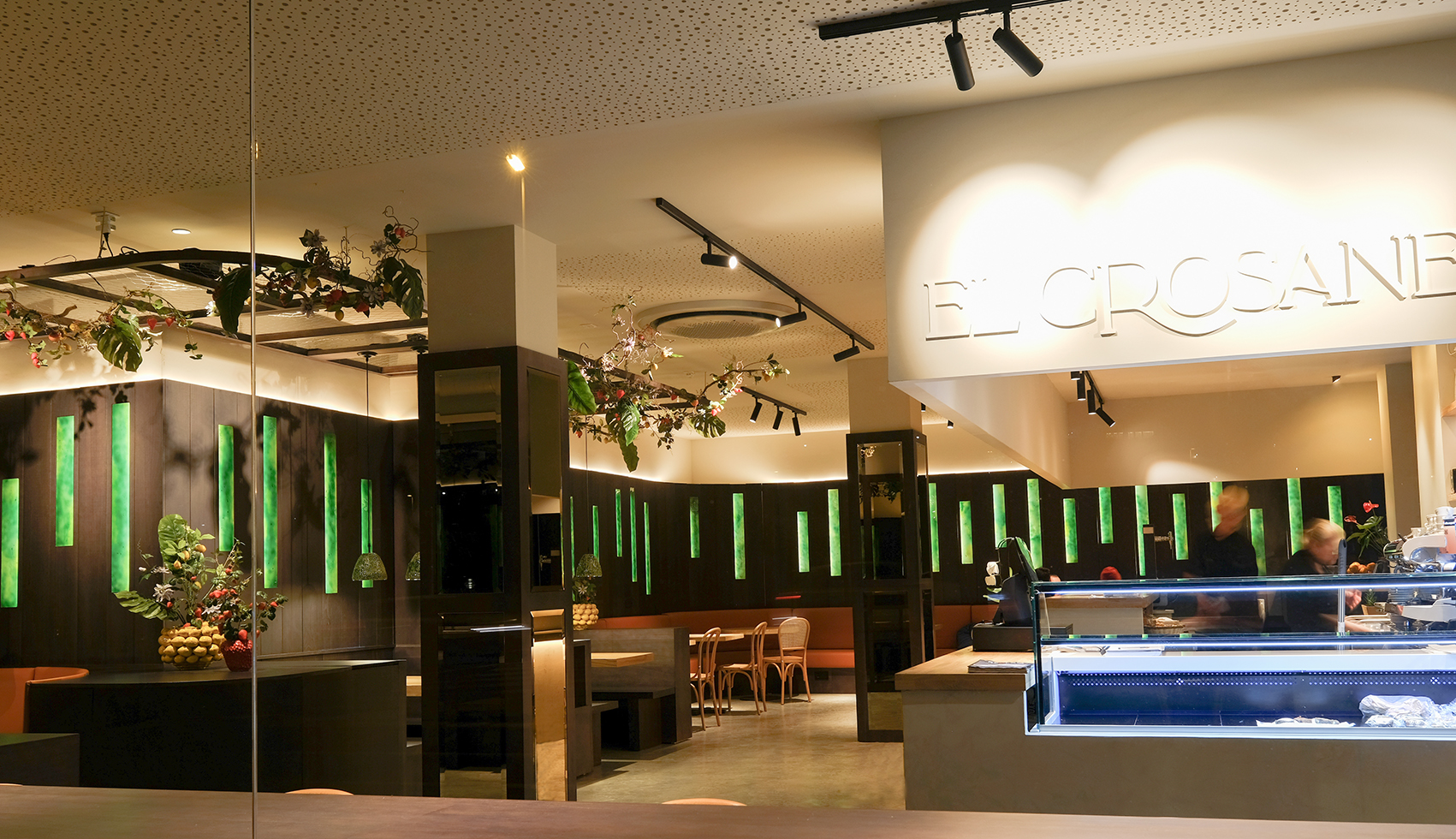
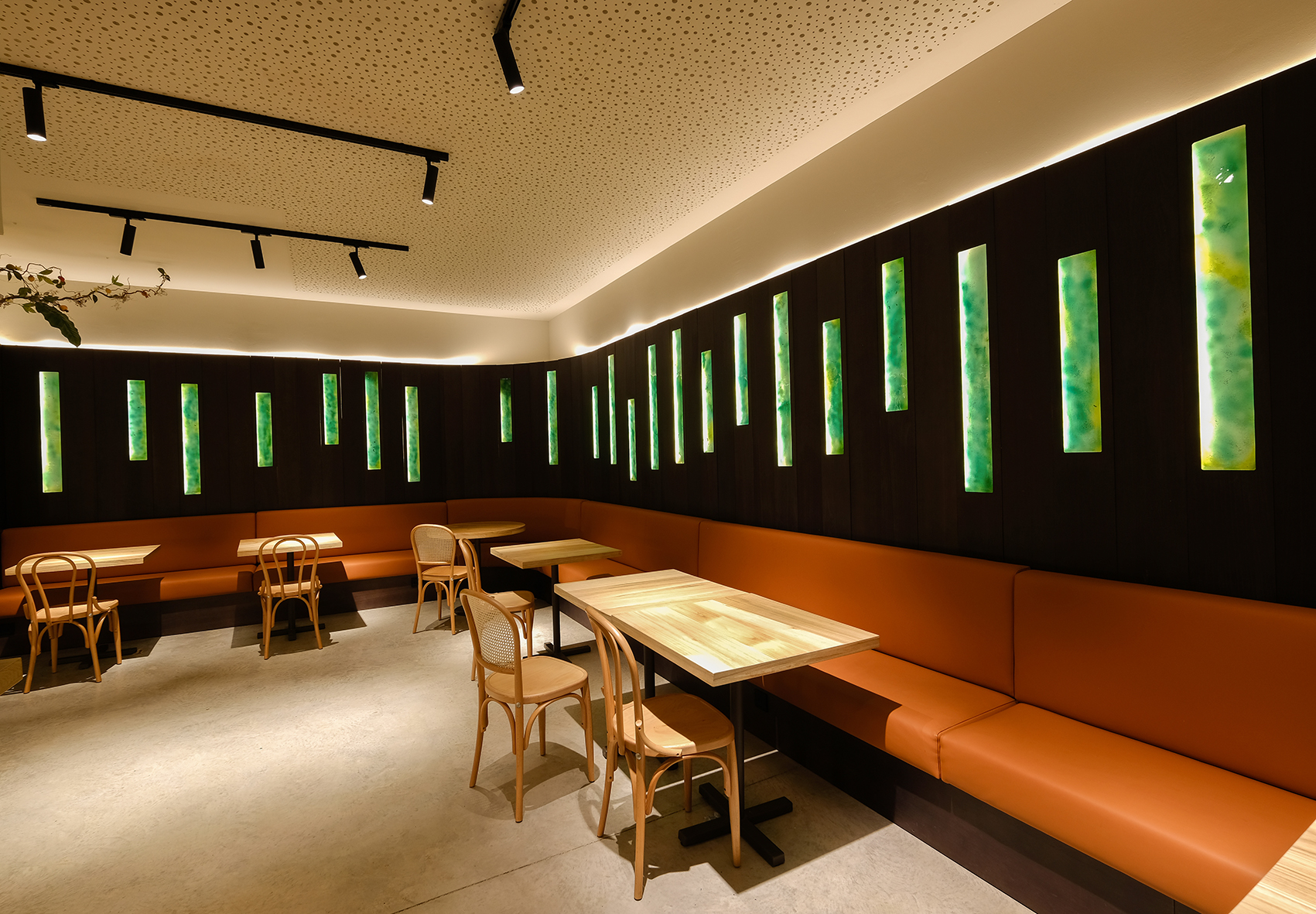
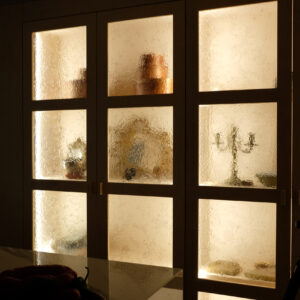
Piezas de vidrio integradas en mueble de madera para dar puntos de luz en el local. Lámparas de cerámica para las mesas.

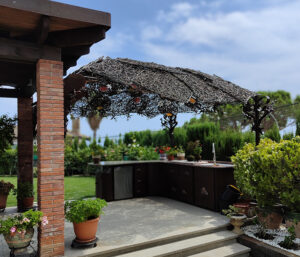
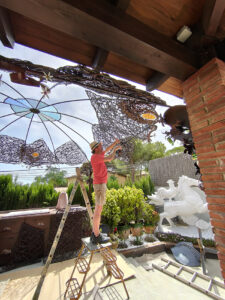
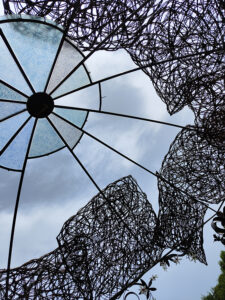
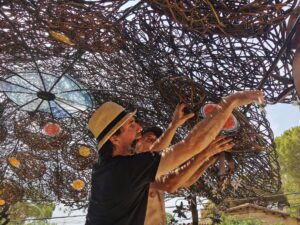
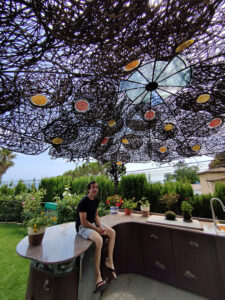
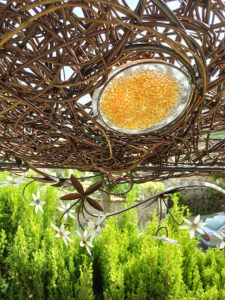
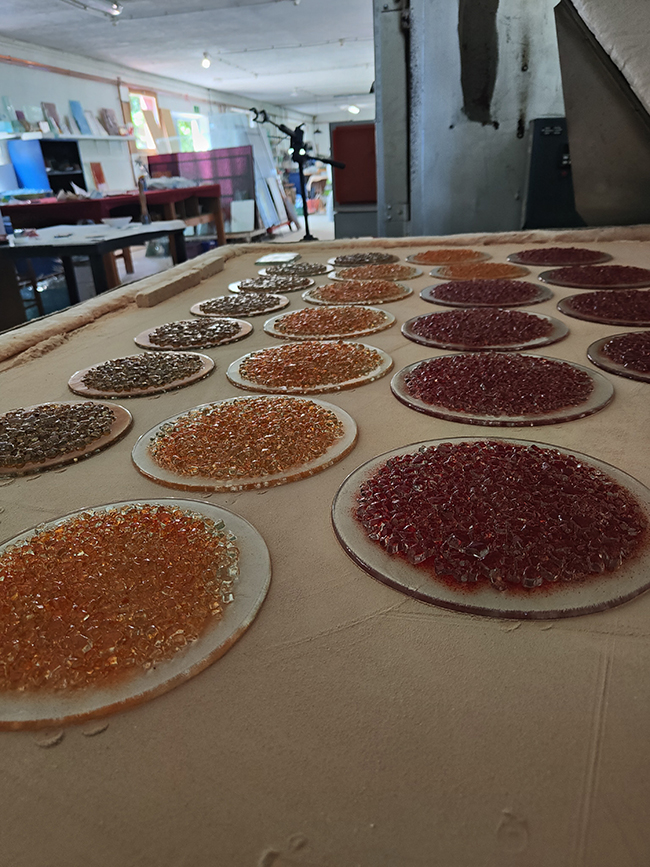
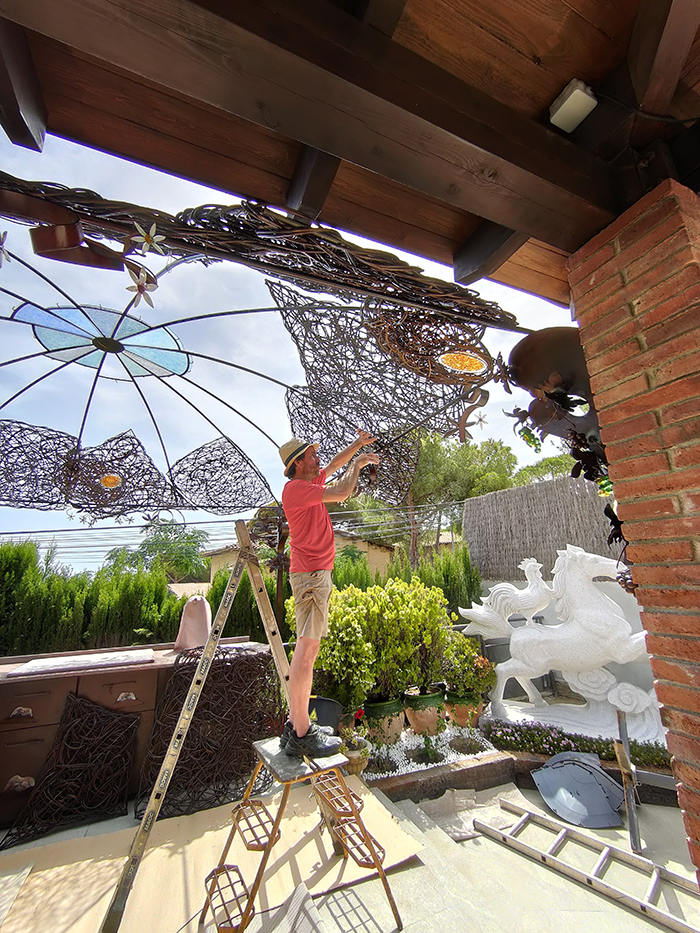
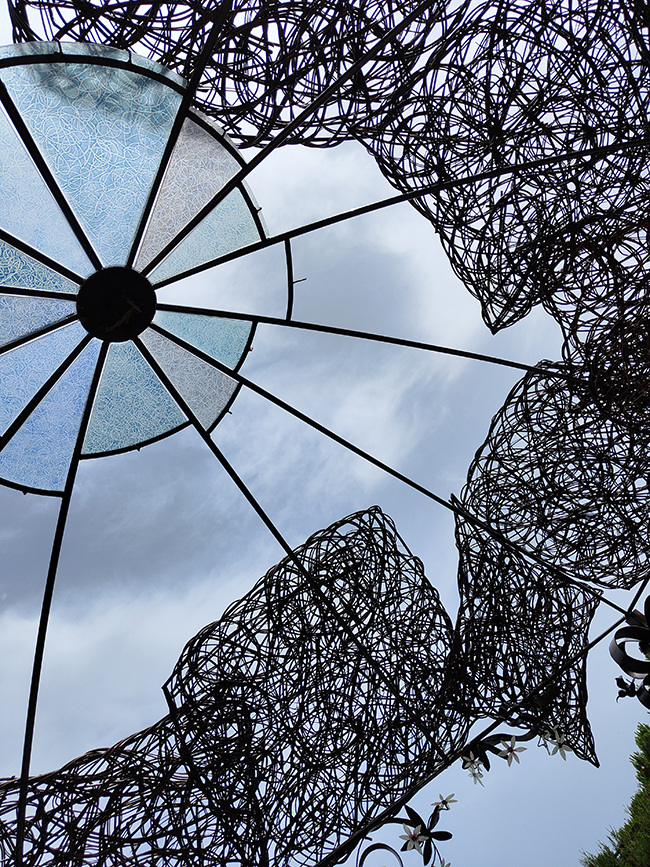
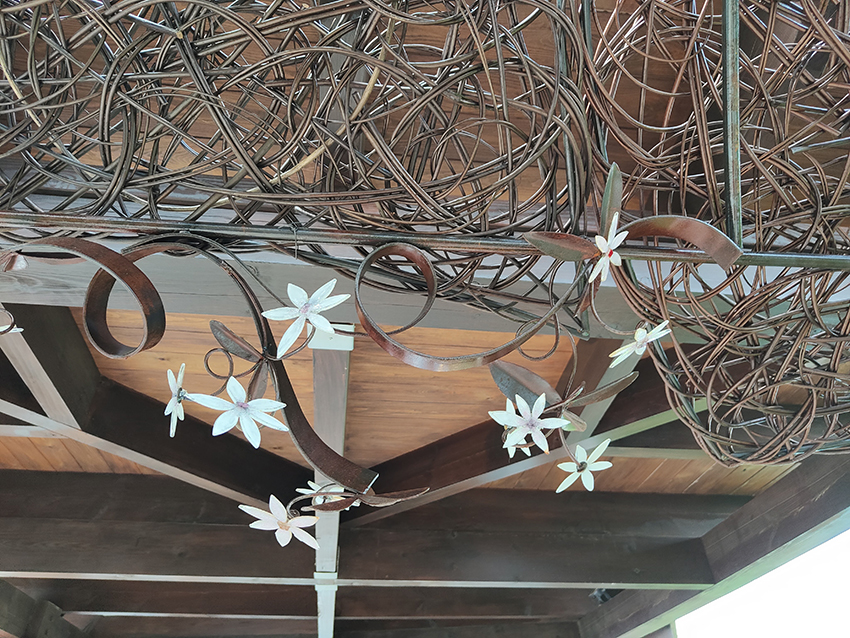
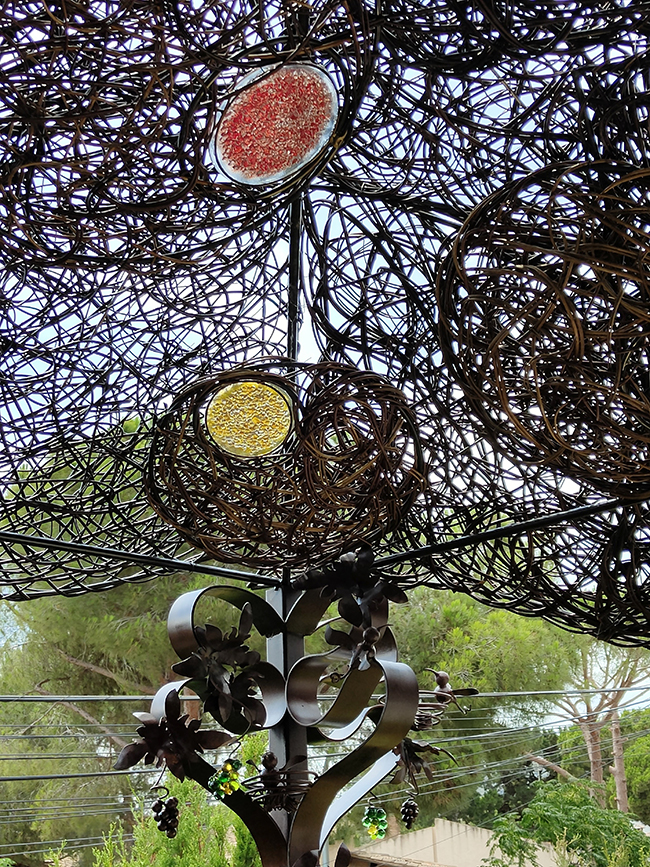
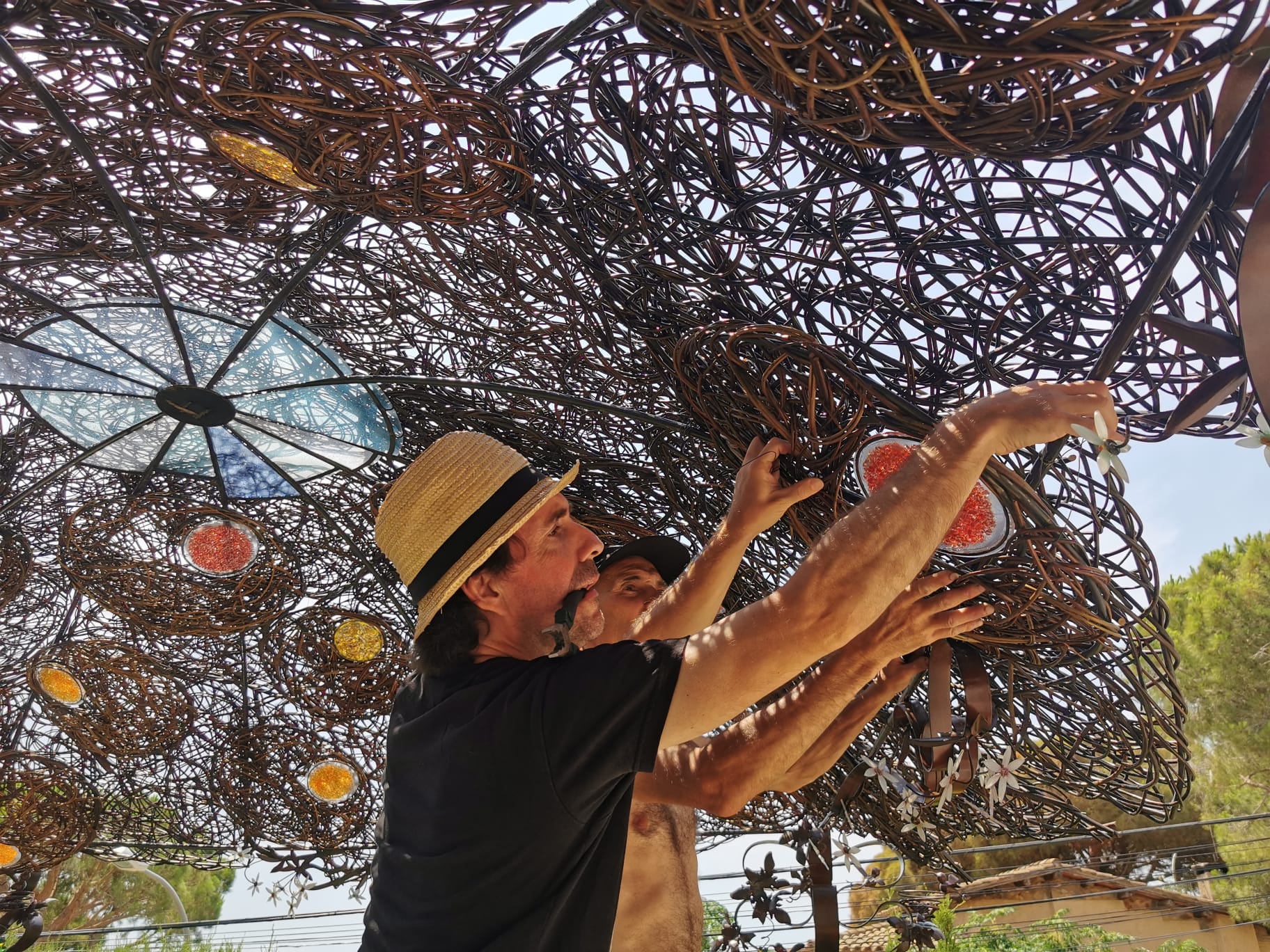
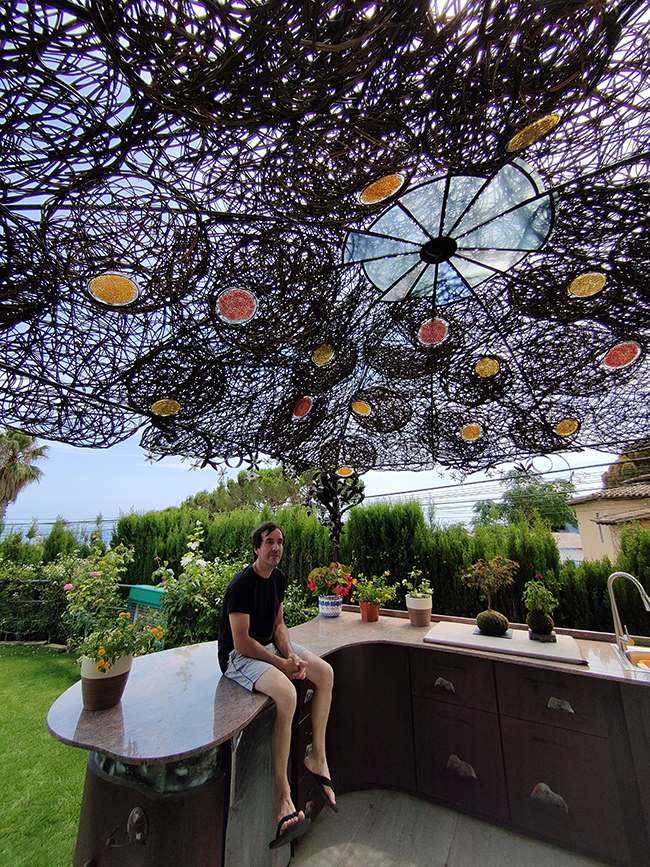
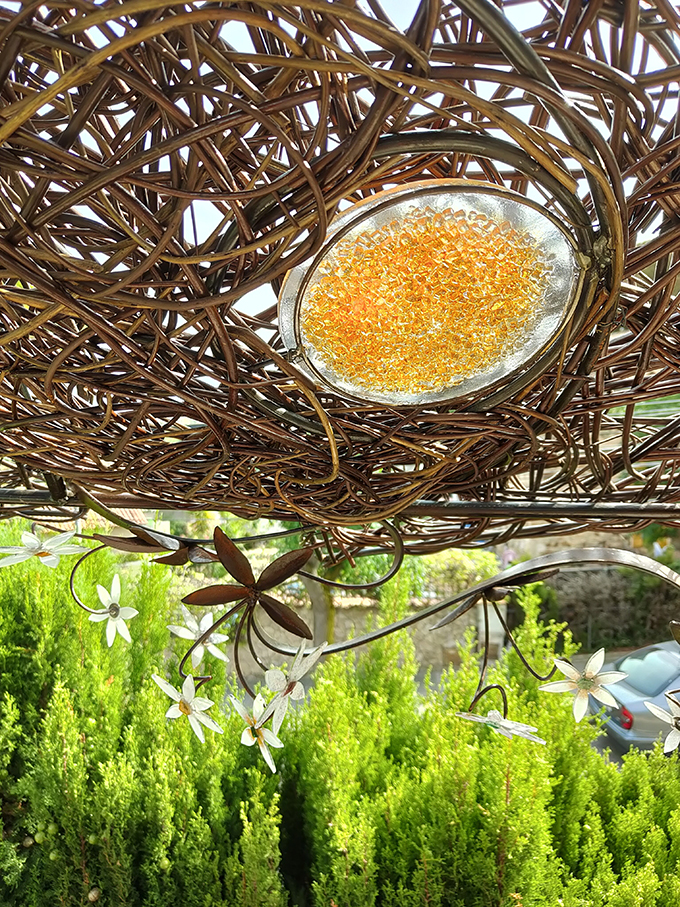
Porche artesanal diseñado y hecho a tres bandas, con estructuras de hierro y mimbre y aplicaciones de vidrio.

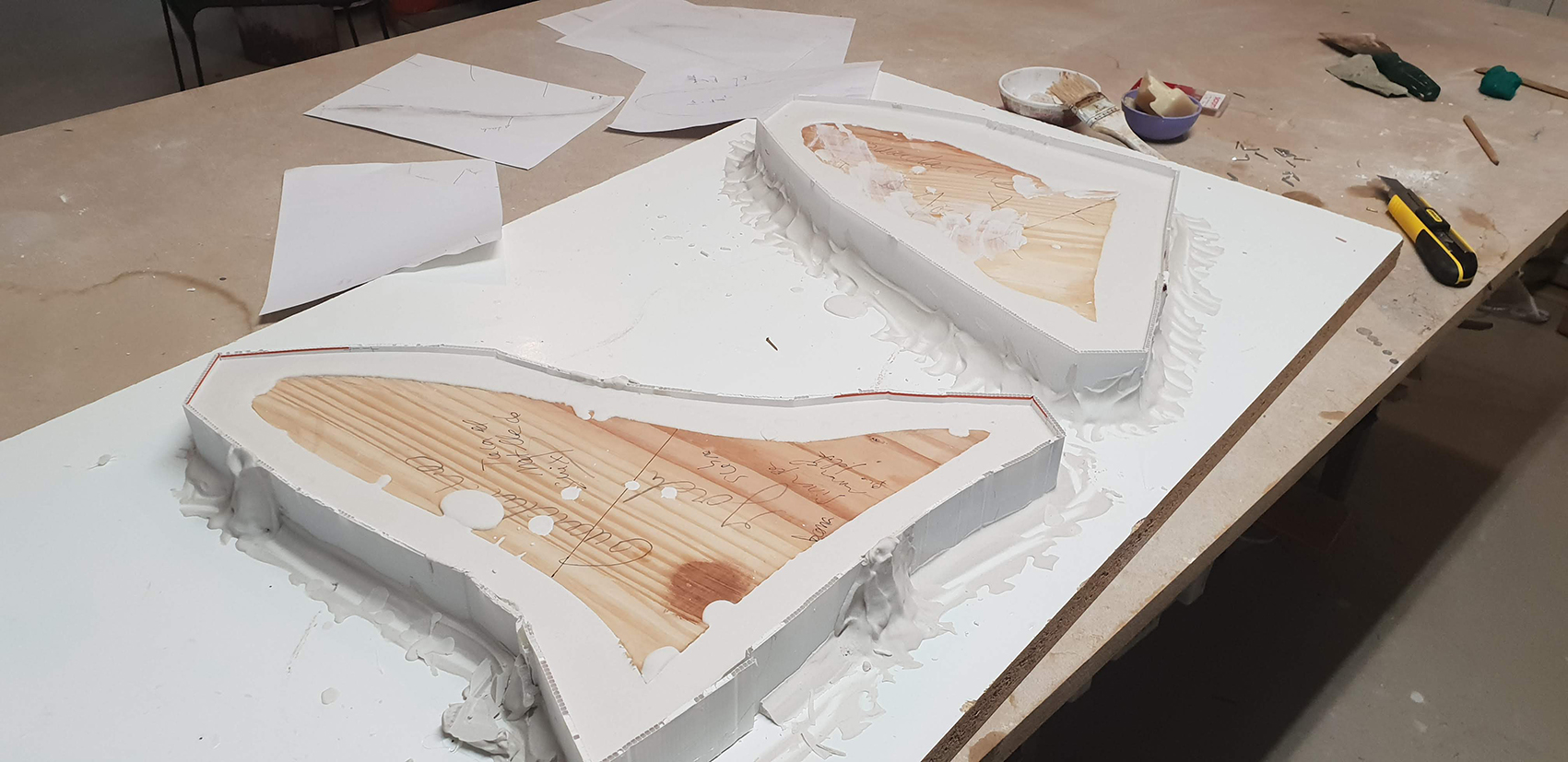
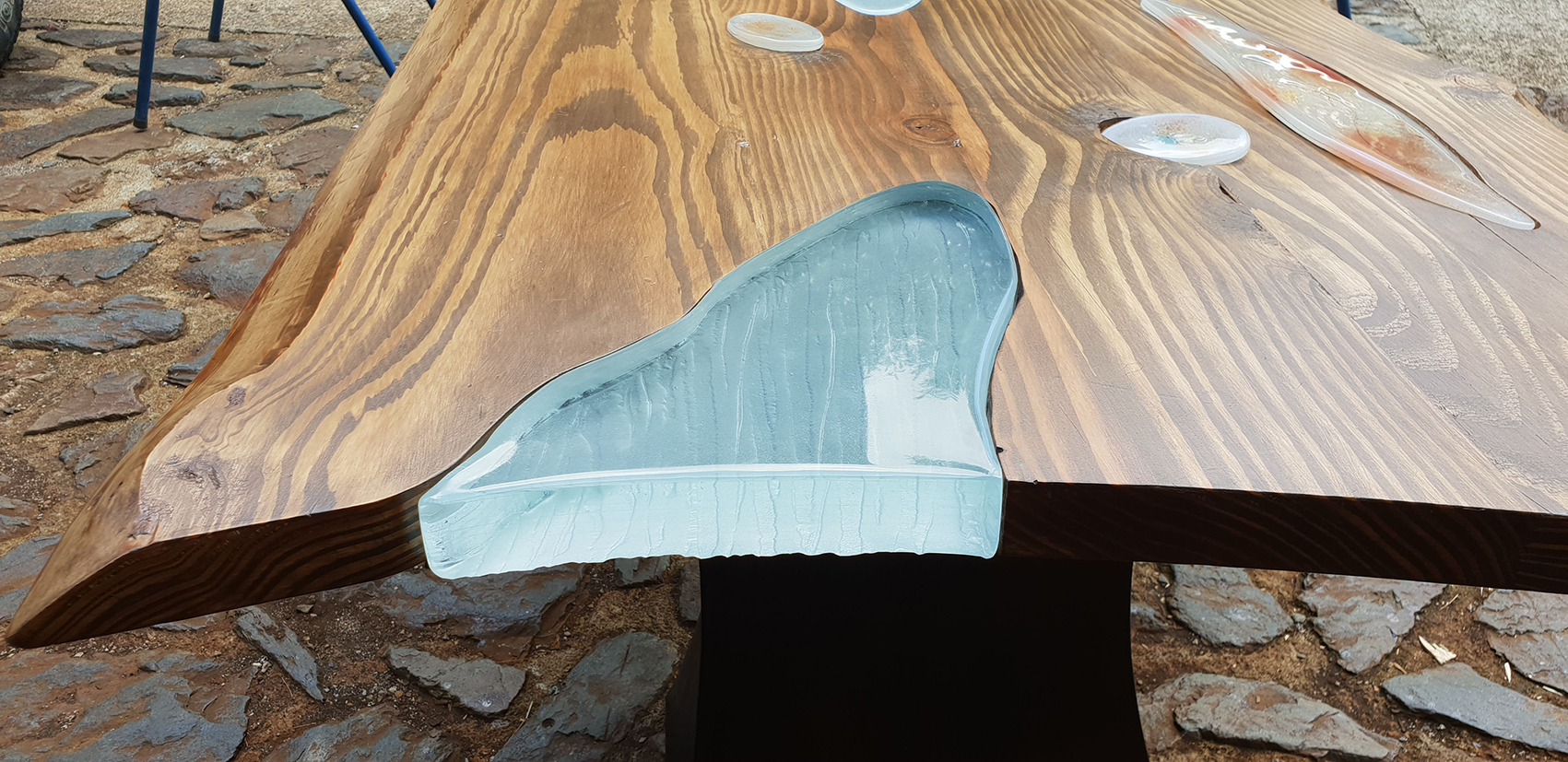
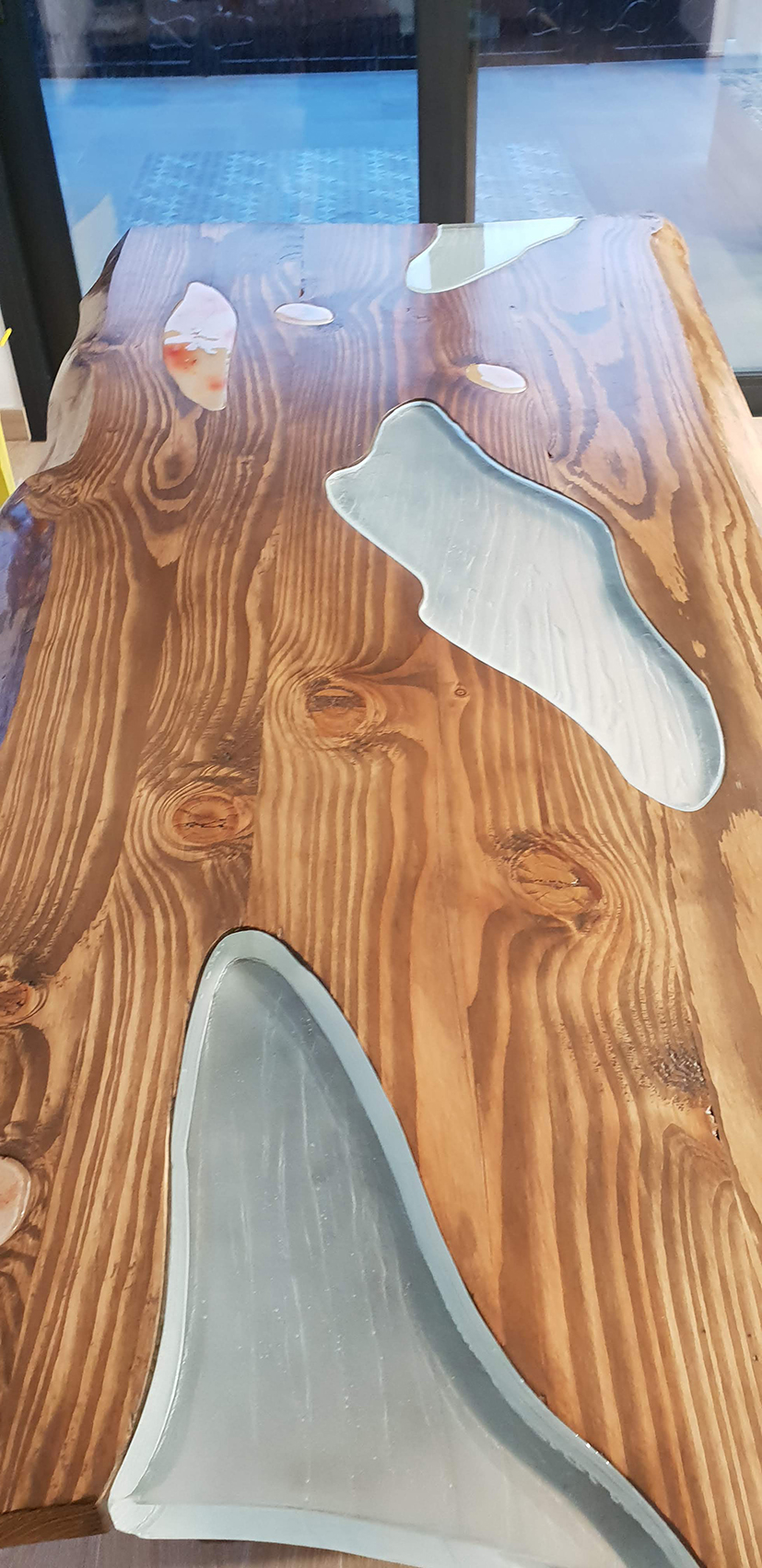
Mesa única hecha a medida con elementos macizos de vidrio creados con la técnica de molde perdido, y un soporte de hierro escultórico artesanal.

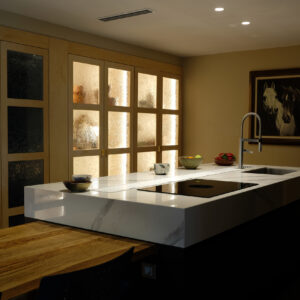
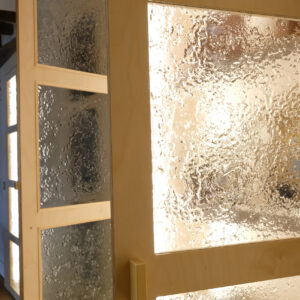
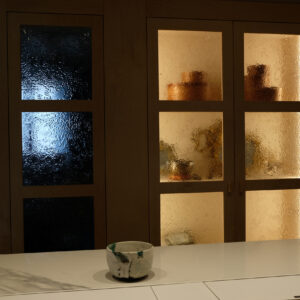
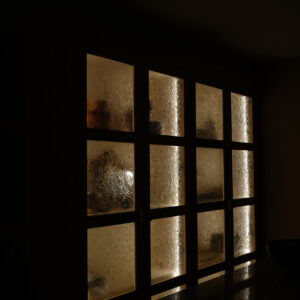
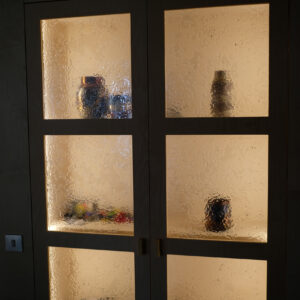
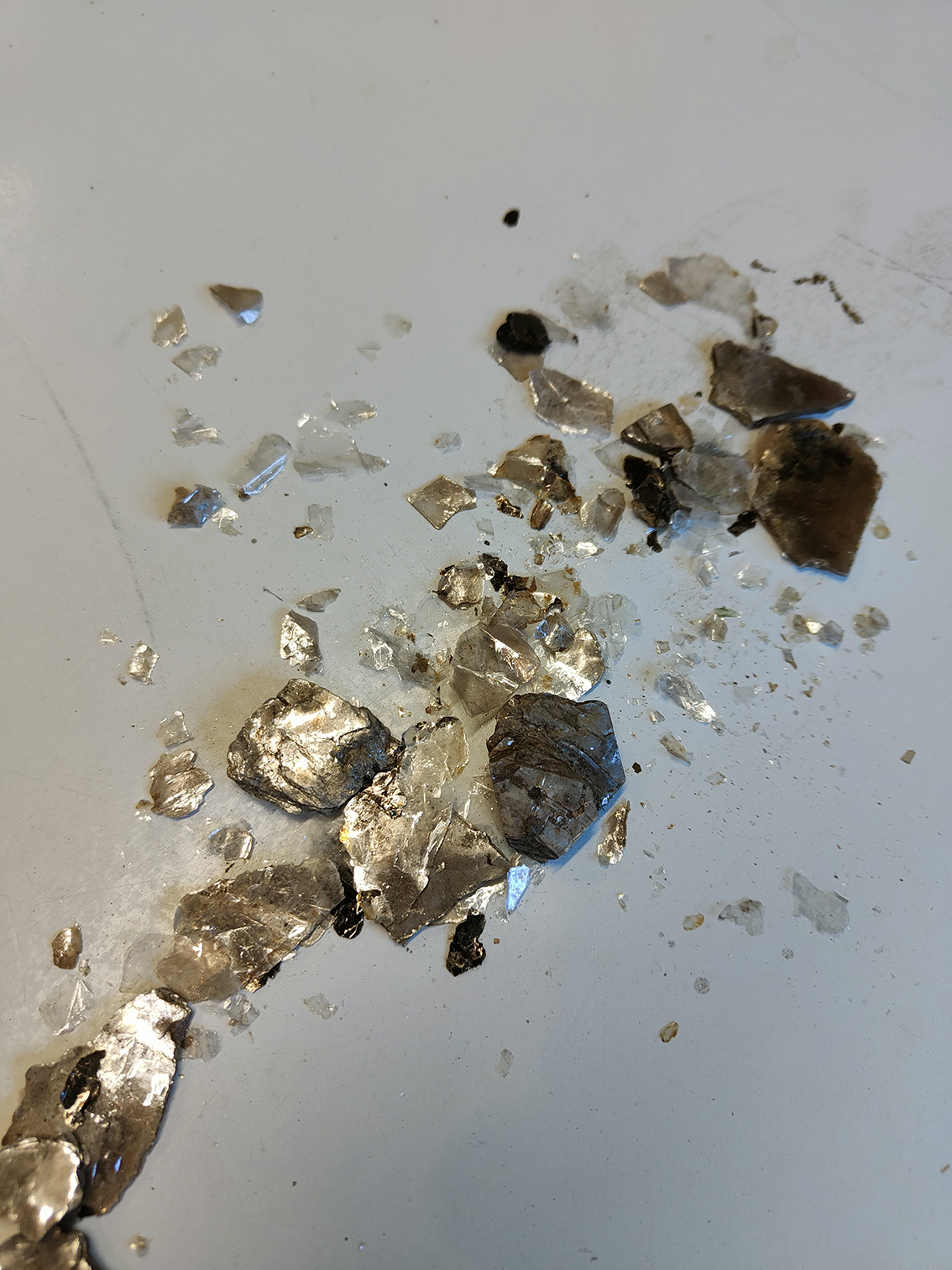
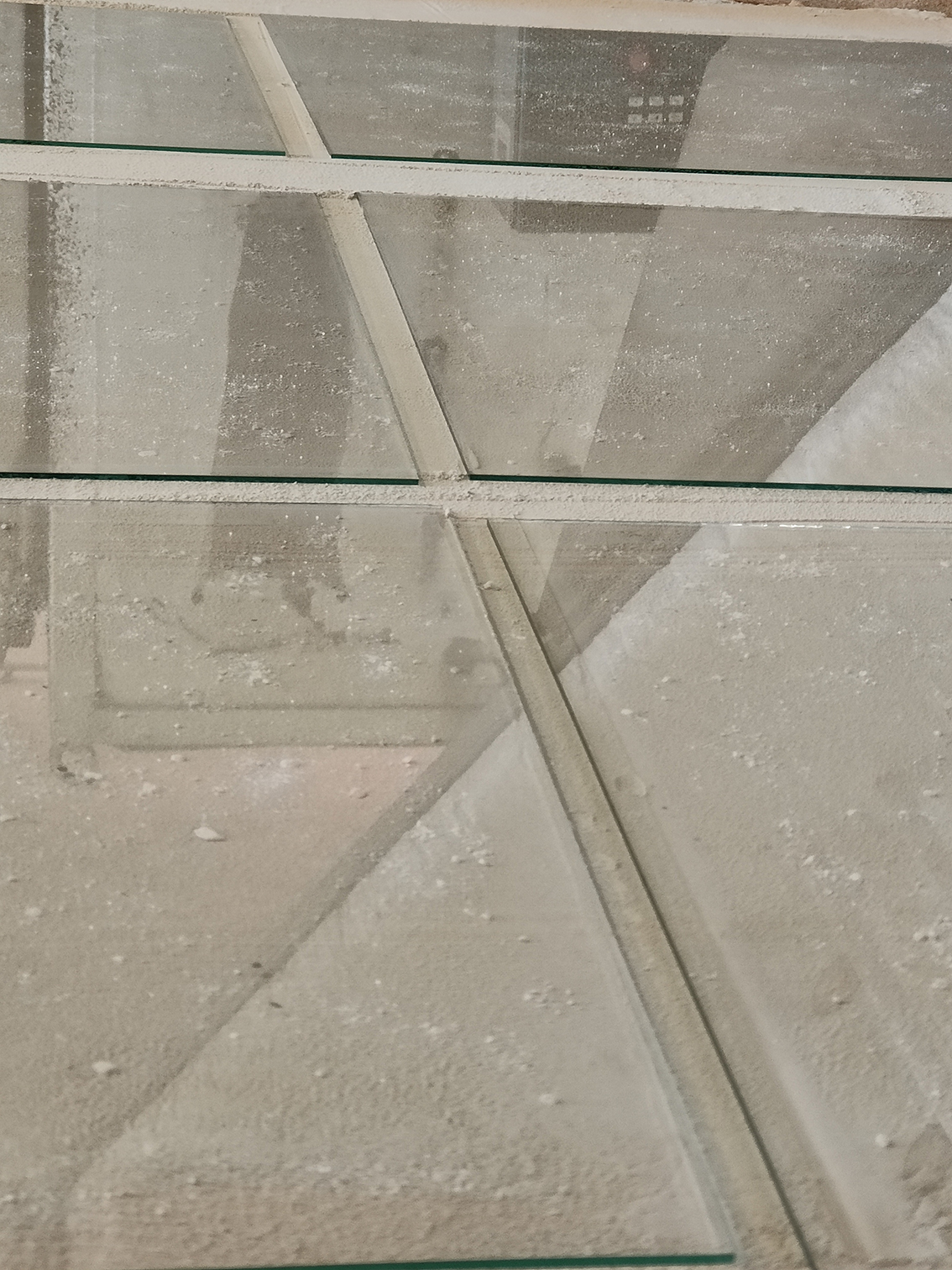
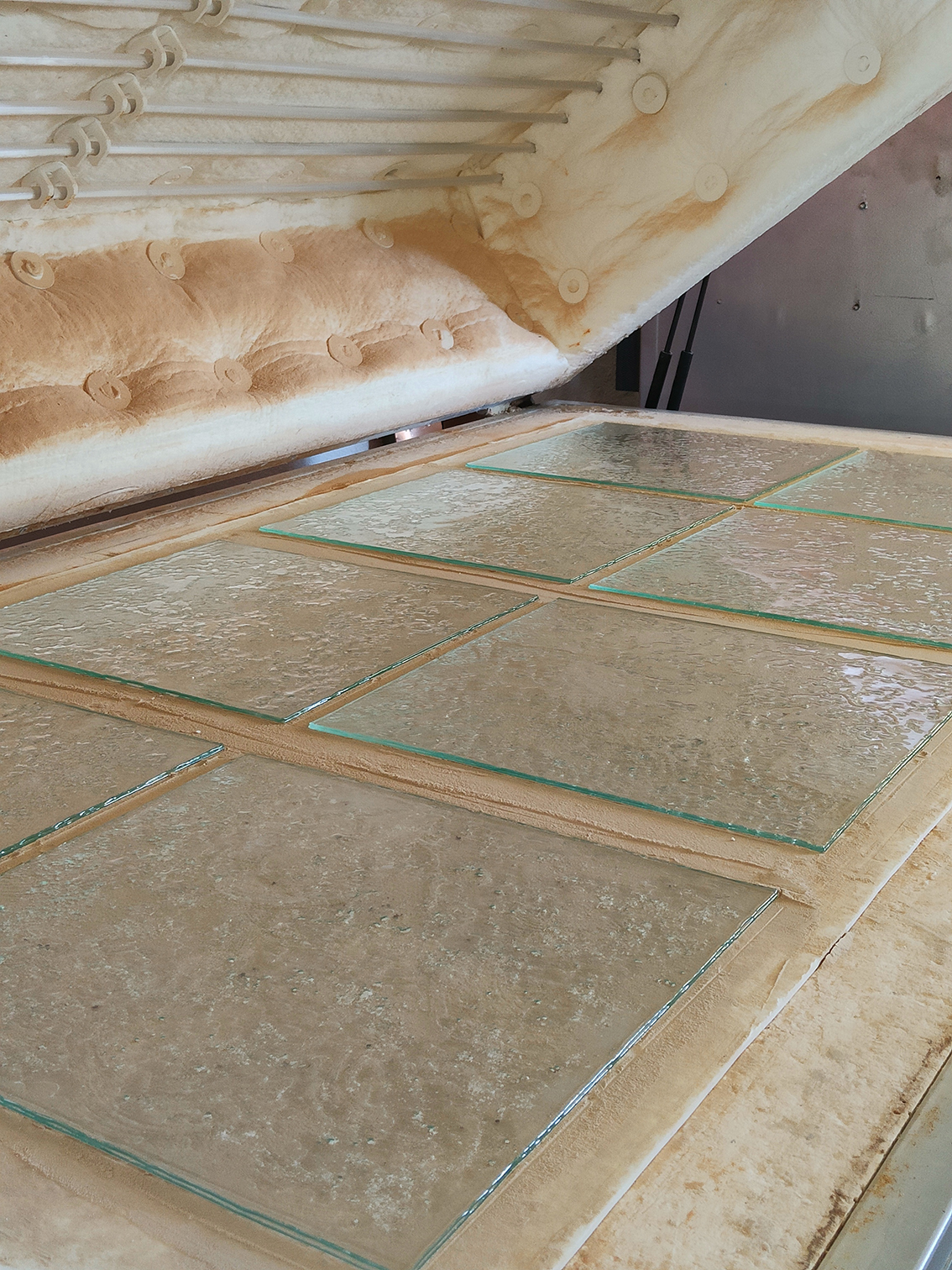
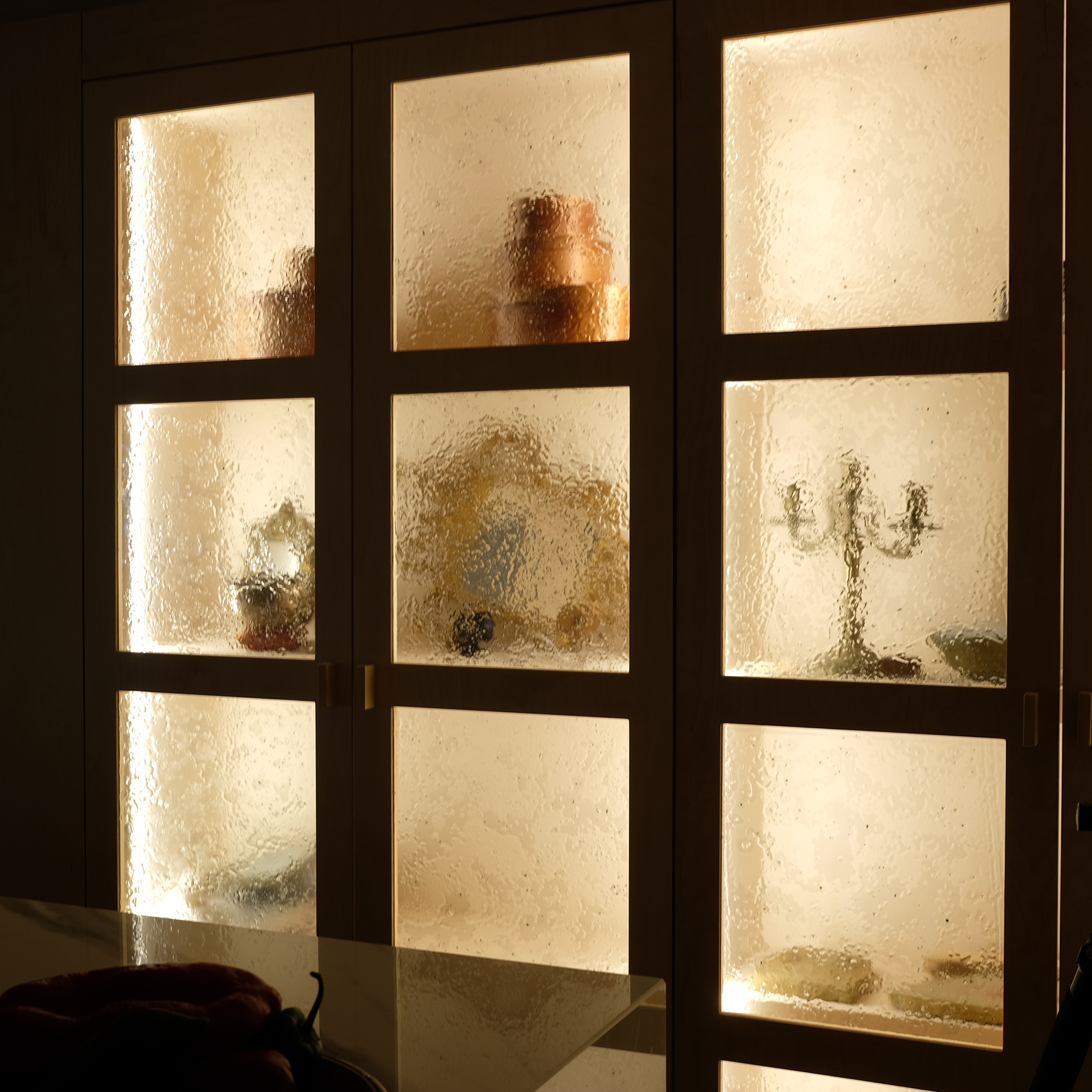
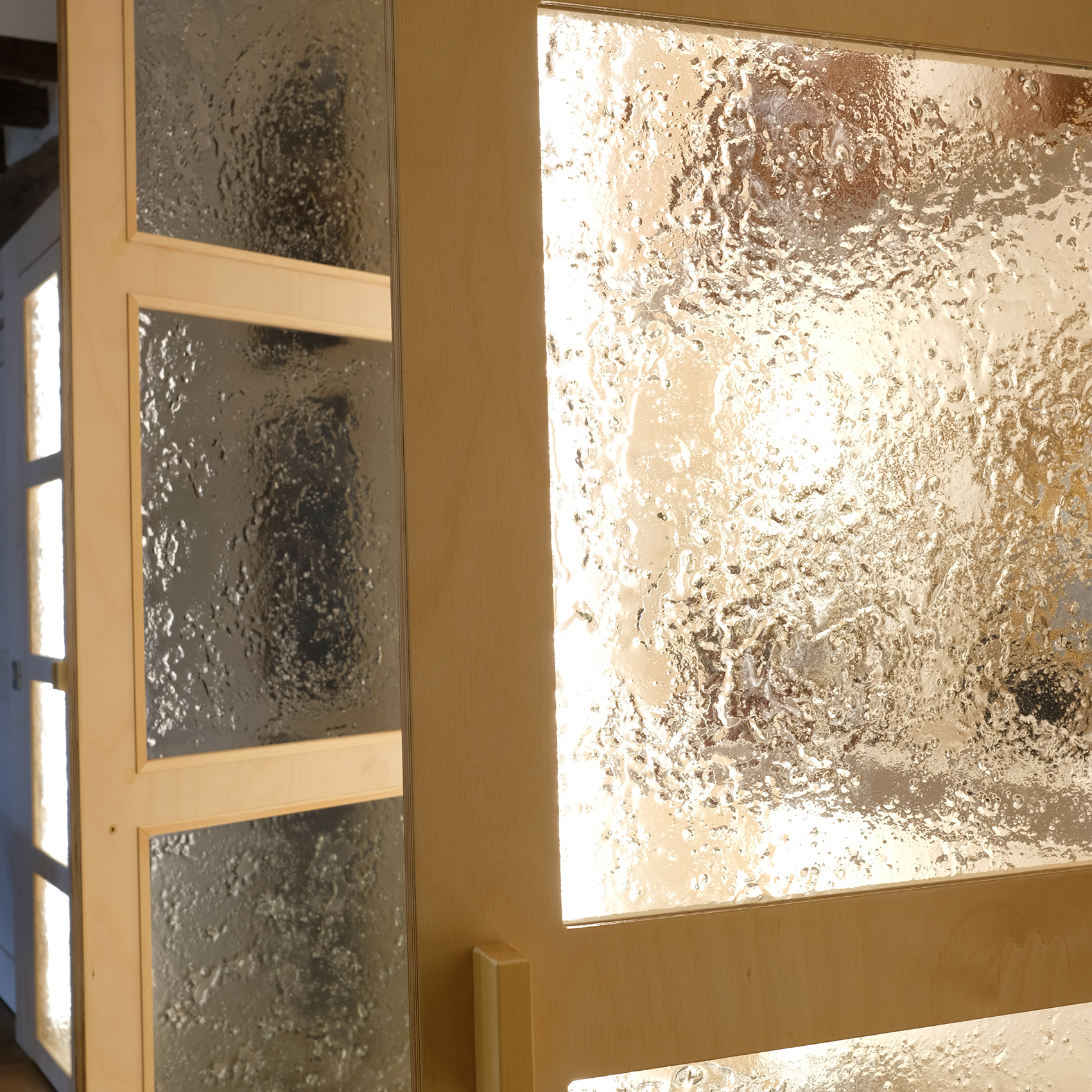
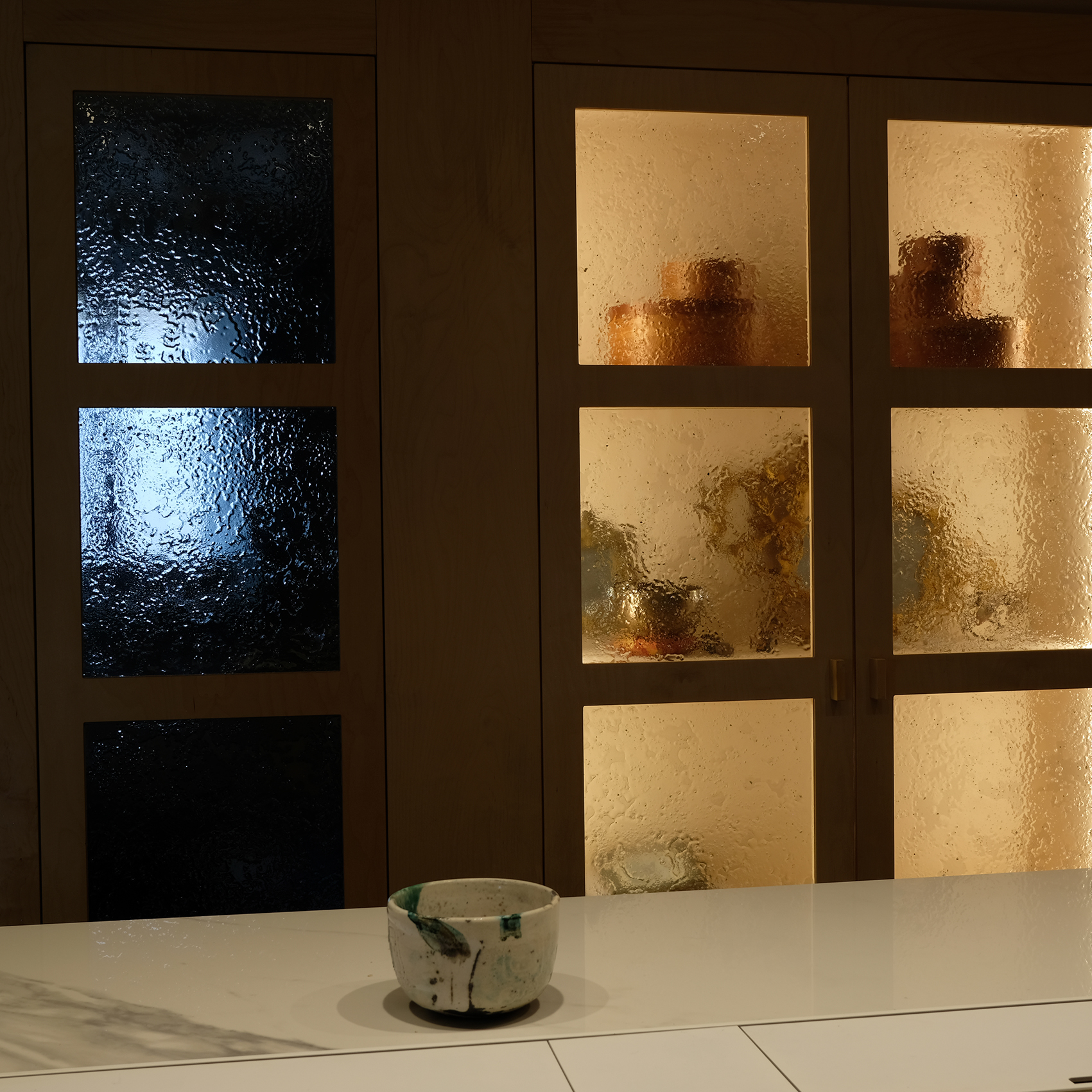
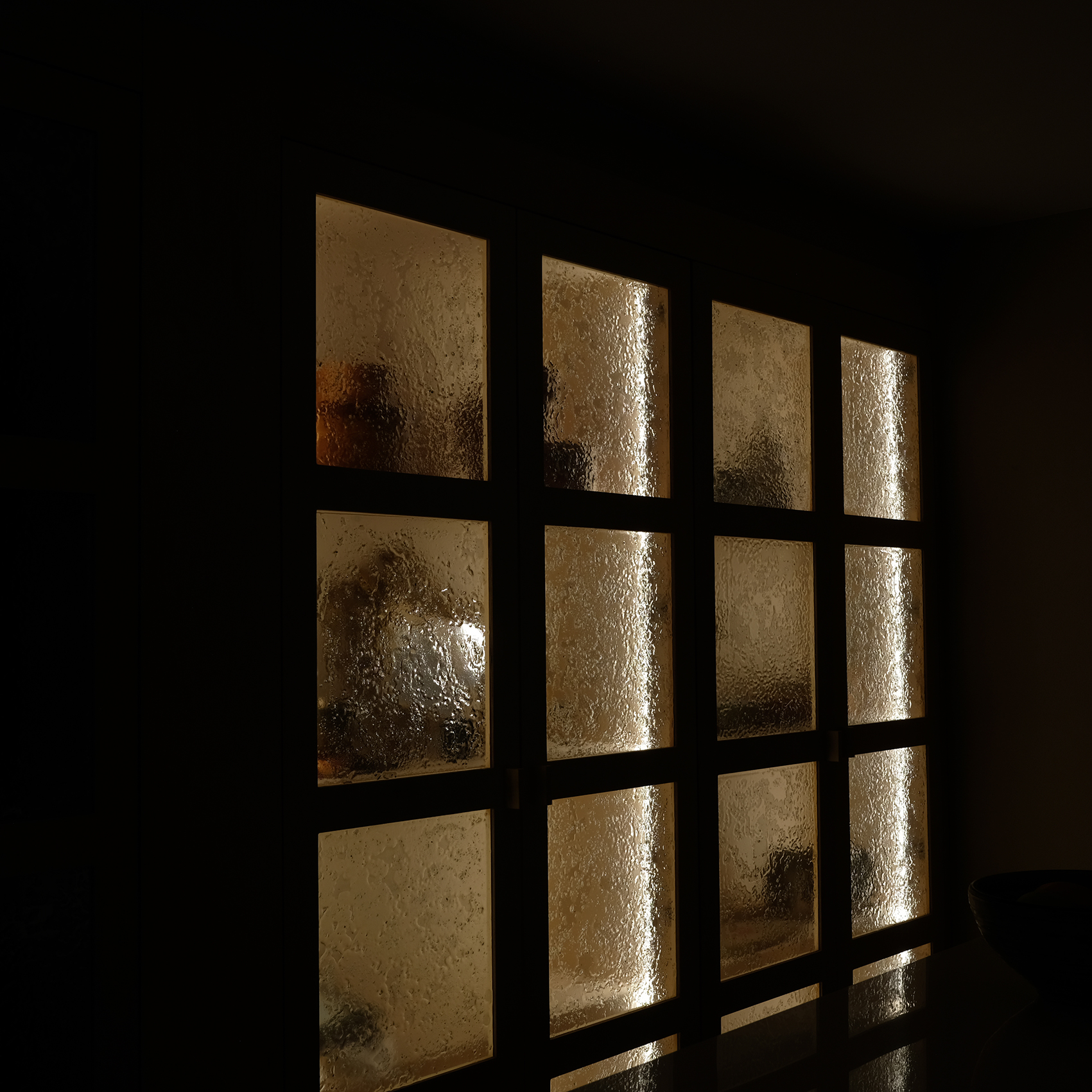
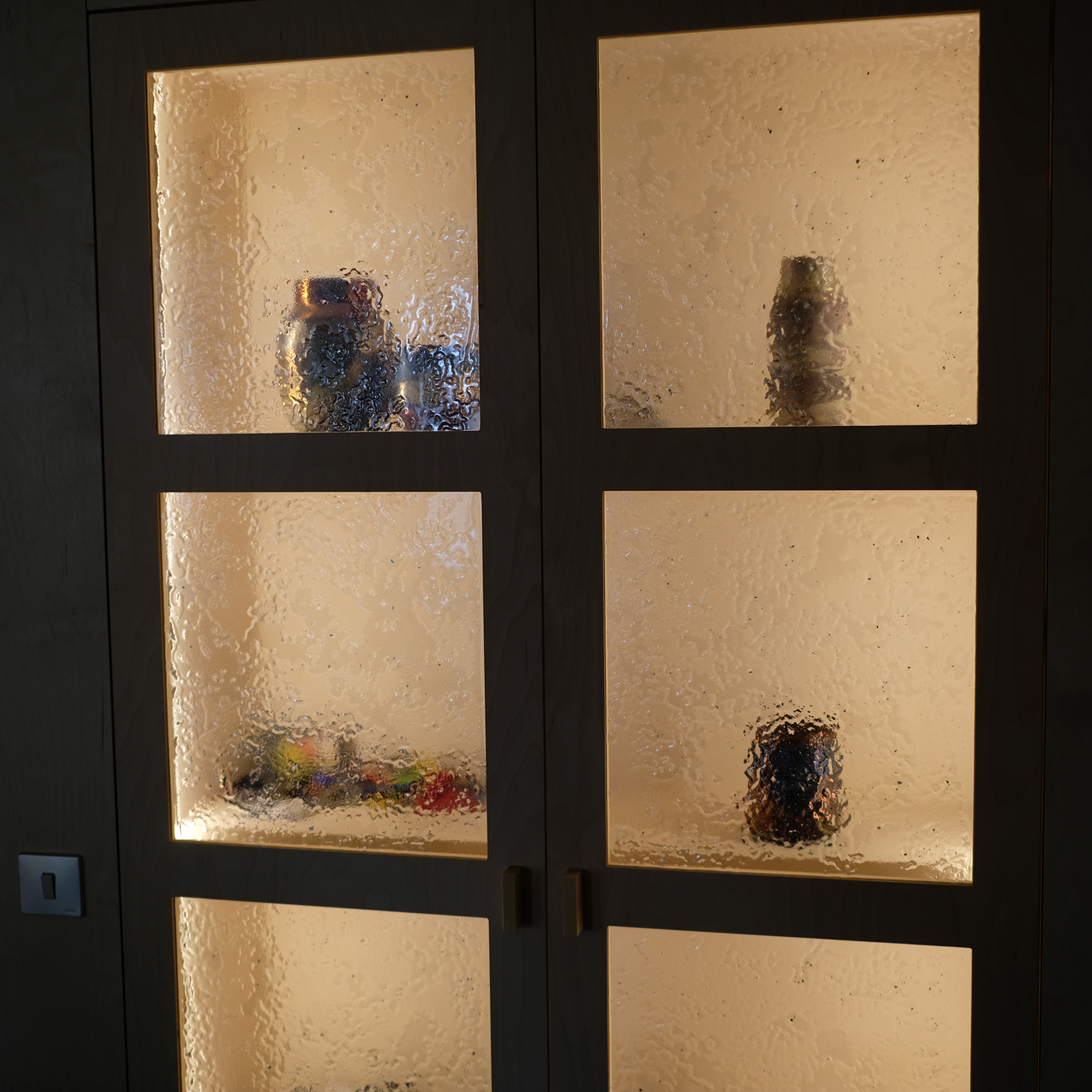
Vidrios para mueble de cocina, texturados y trabajados con mica en polvo.

Glass for kitchen furniture, textured and treated with mica powder.

Custom-made unique table with solid glass elements created using the lost-wax casting technique, and a handcrafted sculptural iron base.

Artisanal porch designed and made on three sides, with iron and wicker structures and glass applications.

Glass pieces applied to wooden furniture to add points of light to the space. Ceramic lamps for the tables.

Glass fish sculpture of different sizes created especially for the space under the staircase in the house.

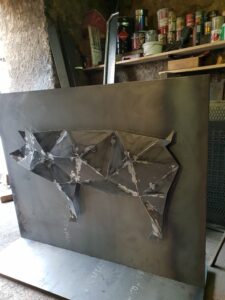
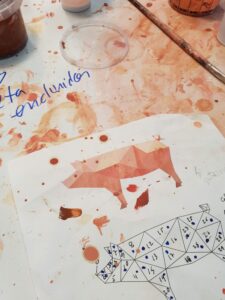
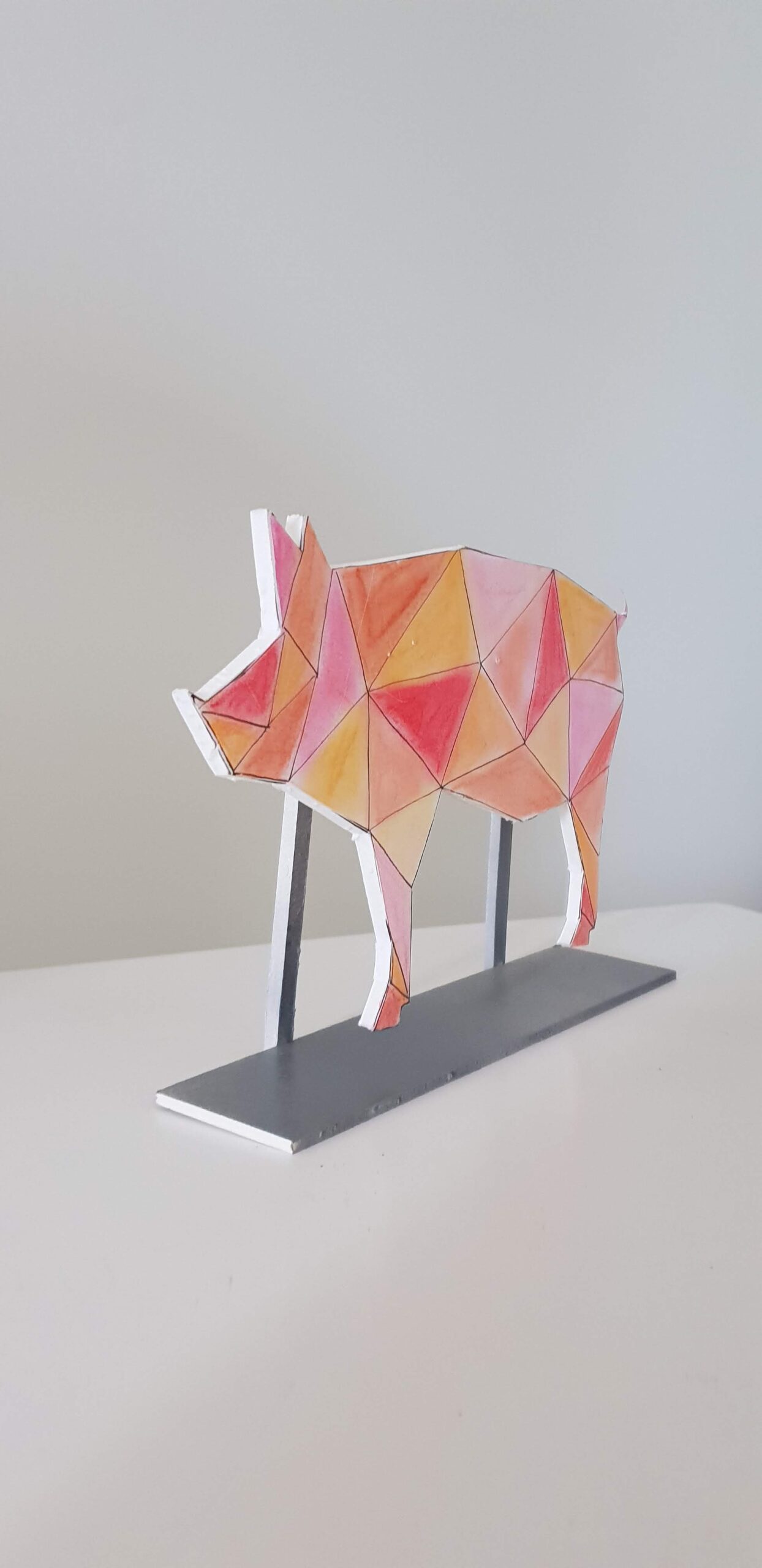
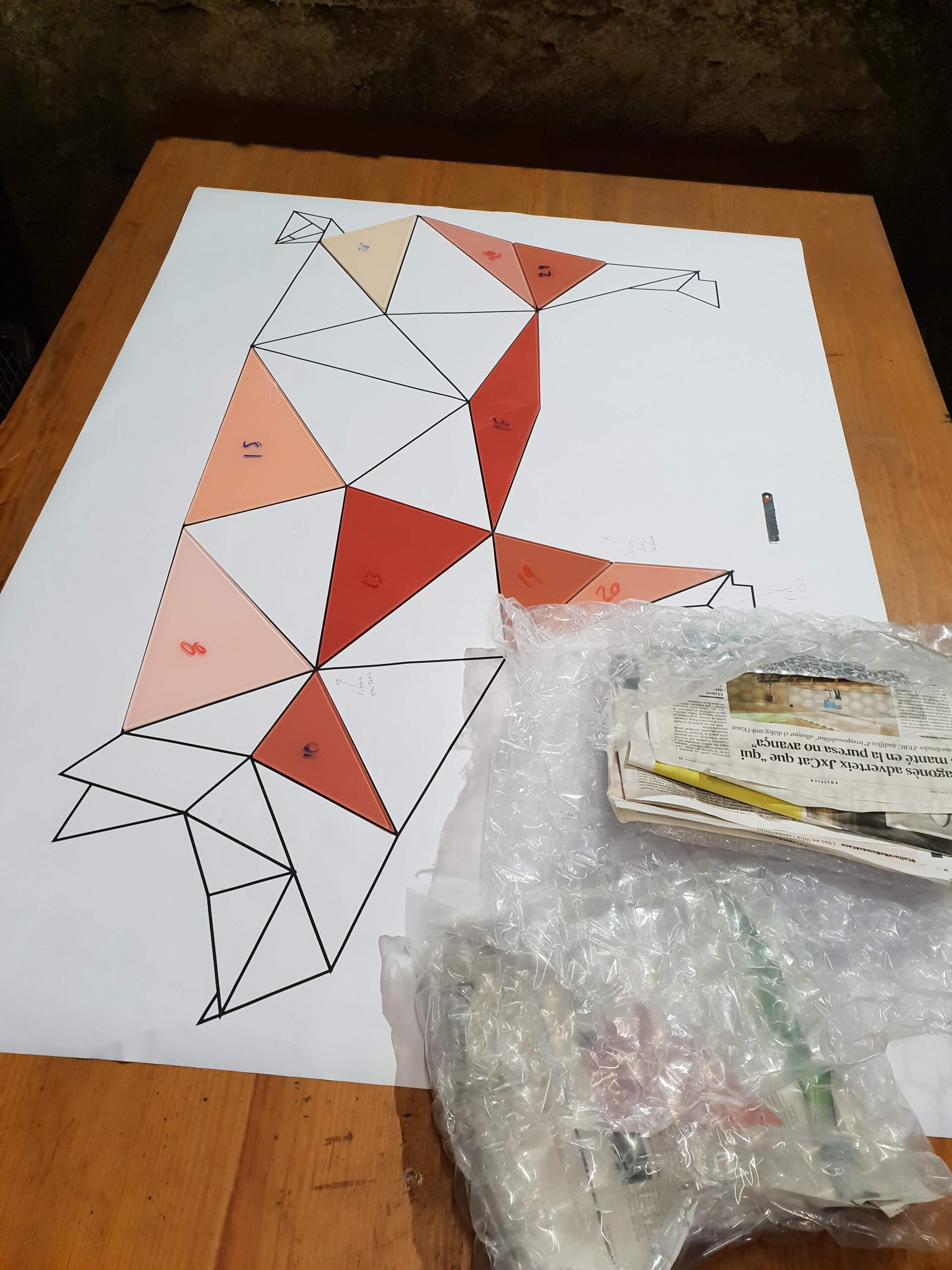
Iron and glass sculpture created based on the origami figure of the company logo.

Escultura de ferro i vidre creada a partir de la figura d’origami del logotip de l’empresa.

Escultura de peixos de vidre de diferents mides creada especialment per a l’espai de sota escala de la vivenda,

Peces de vidre aplicades a moble de fusta per donar punts de llum al local. Làmpades de ceràmica per a les taules.


Taula única feta a mida amb elements massissos de vidre creats amb la tècnica de motlle perdut, i un suport de ferro escultòric artesanal.


Taula única feta a mida amb elements massissos de vidre creats amb la tècnica de motlle perdut, i un suport de ferro escultòric artesanal.


Vidres per a moble de cuina, texturats i treballats amb pols de mica.

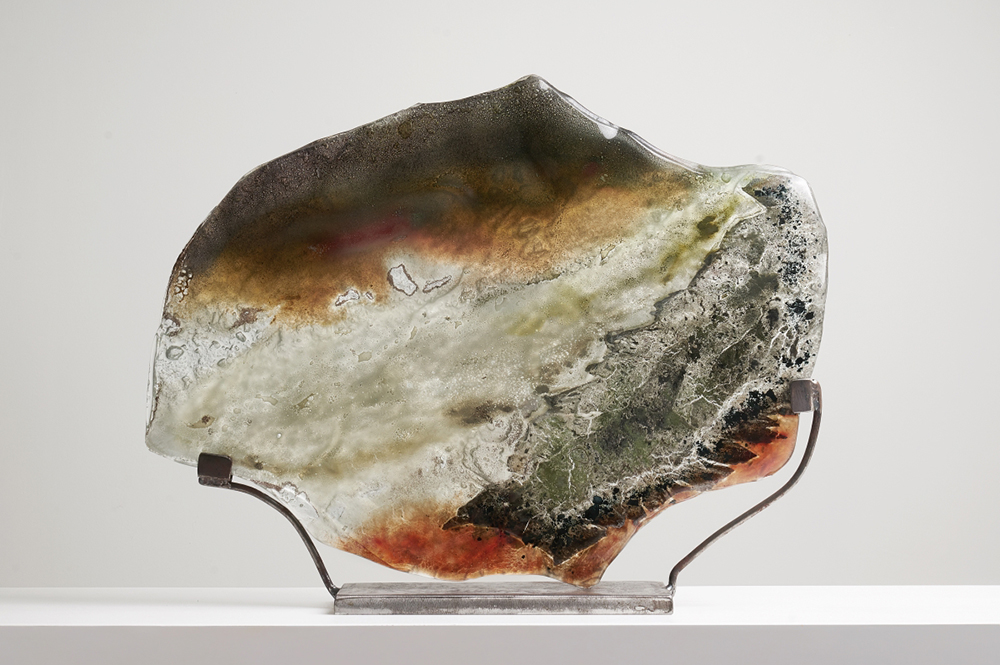
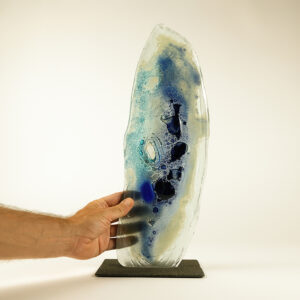
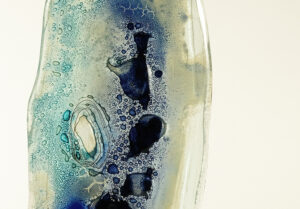
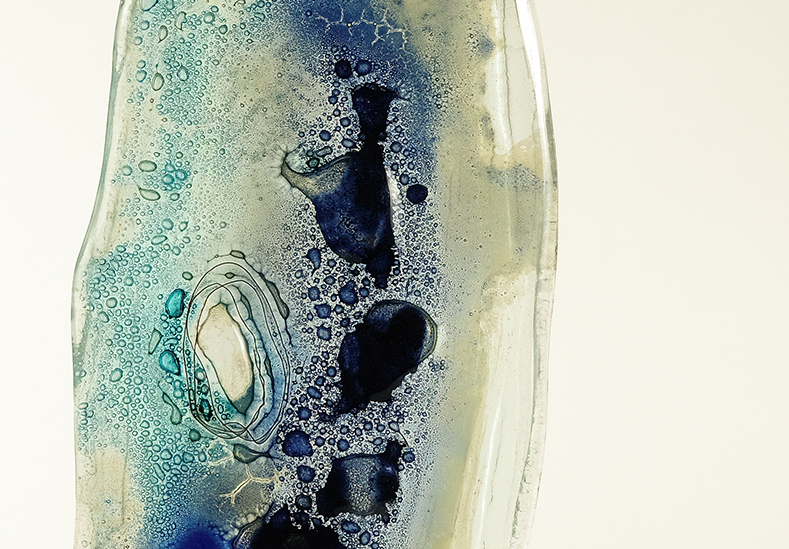
Peça escultòrica de vidre de 50 cm x 30 cm amb textura, esmalts i pols de vidre. Venuda.

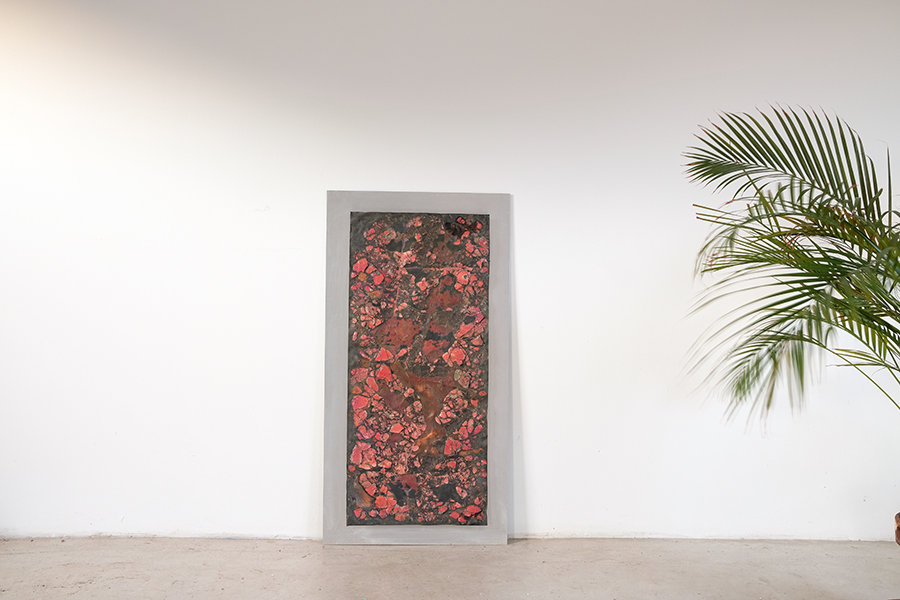
Peça treballada amb coure i vidre

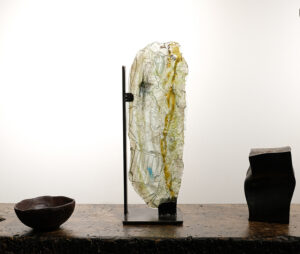
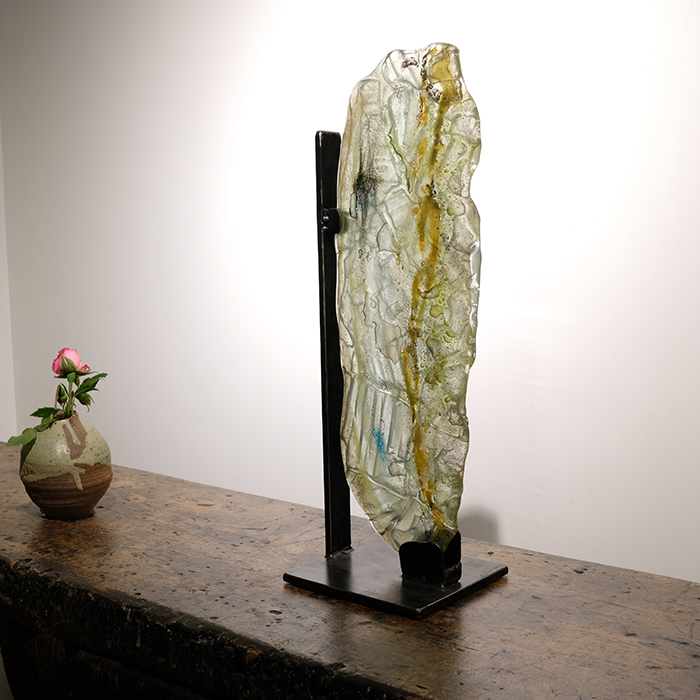
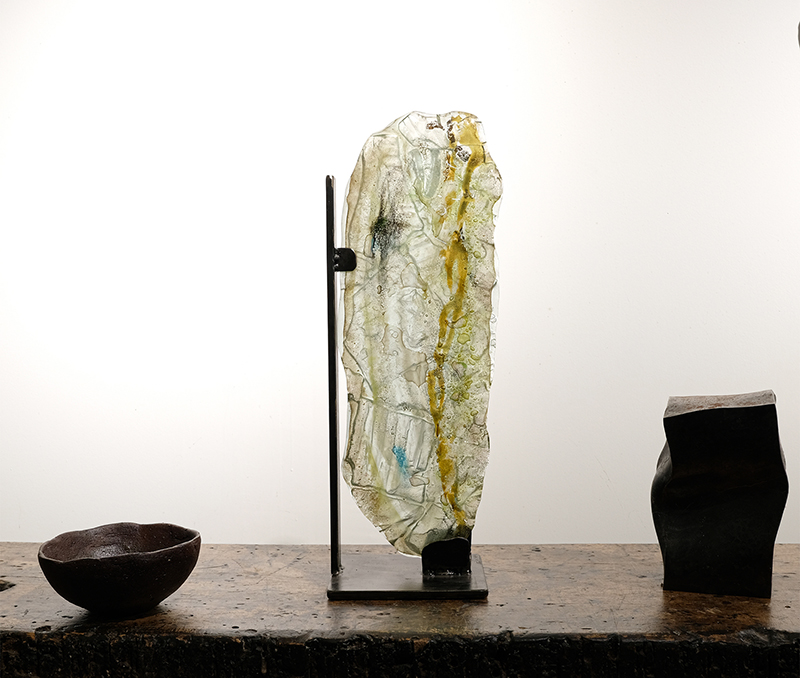
Menhir de vidre amb textura i pols de vidre de color

Peça treballada amb coure i vidre

Peça escultòrica de vidre de 50 cm x 30 cm amb textura, esmalts i pols de vidre. Venuda.

Peça escultòrica de vidre de 50 cm x 30 cm amb textura, esmalts i pols de vidre. Venuda.

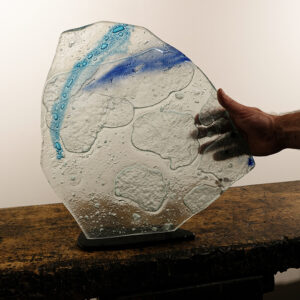
Peça de 30 cm de diàmetre de vidre amb inclusions de ceràmica

Menhir de vidre de 30 cm alçada

Col·lecció de peces decoratives de vidre de 30 cm x 20 cm aprox amb textura i pols de vidre. Disponibles.

Conjunt de tres vasets amb esmalts fets amb nitrat de plata i reserves de cera. Venuts

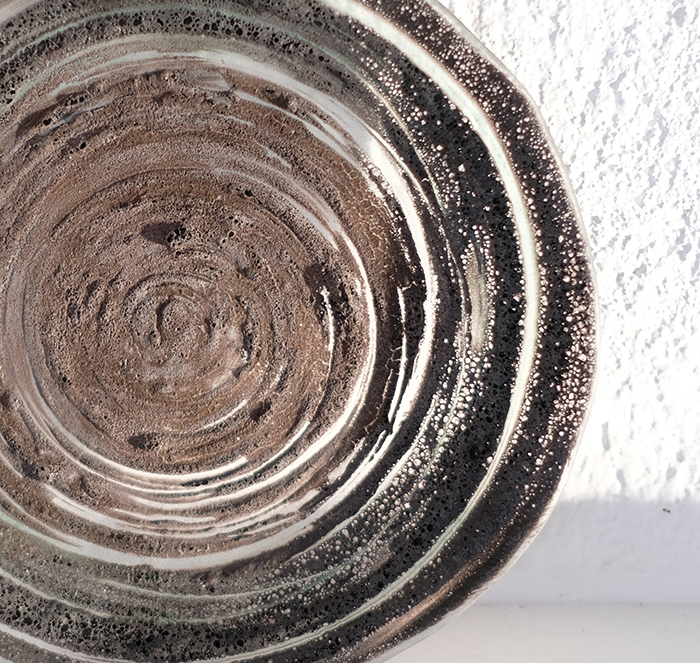
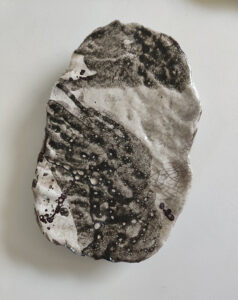
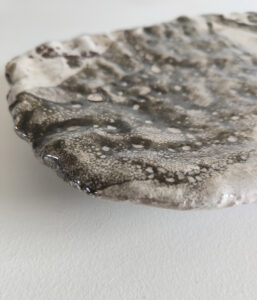
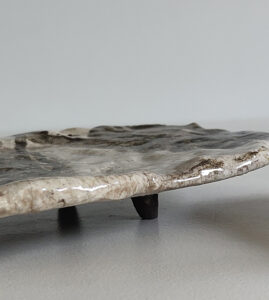
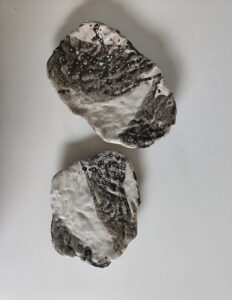
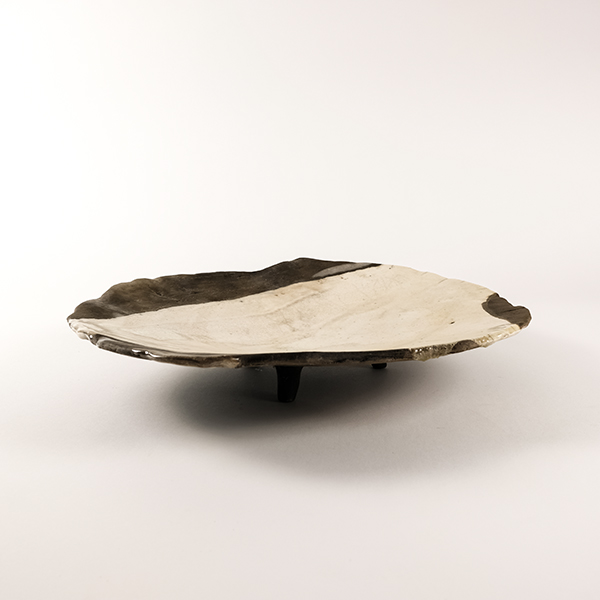
Peces decoratives de centre de taula que combinen el blanc i el negre. Treball de textures amb pedra volcànica. Esmalts elaborats amb pedra basàltica. Disponibles

Peça de centre de taula amb barreja d’esmalts opacs i transparents i treball de reserves amb cera. Venuda

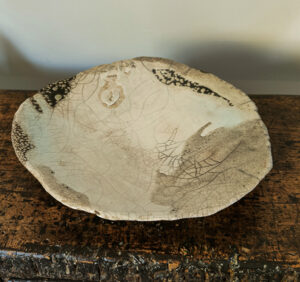
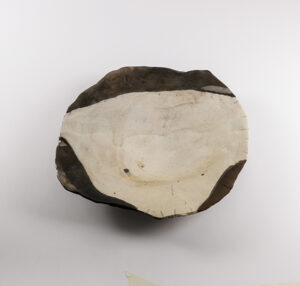
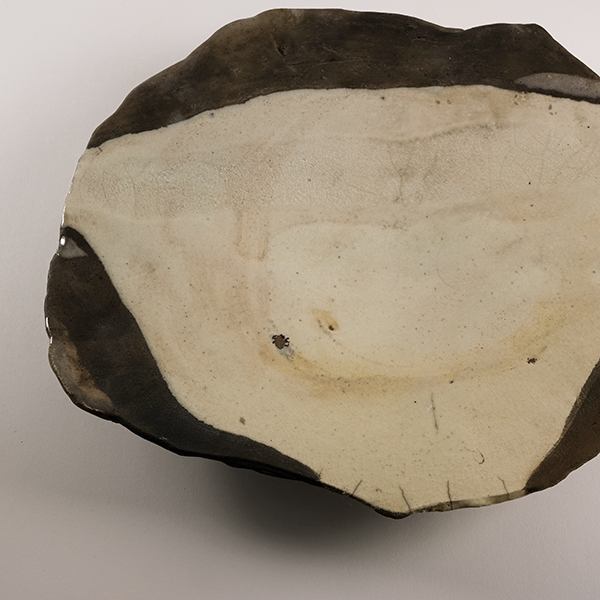
Peça de centre de taula. Treball amb reserva de cera i barreja d’esmalts opacs i transparents beige i blancs. 38 cm diàmetre. Venuda

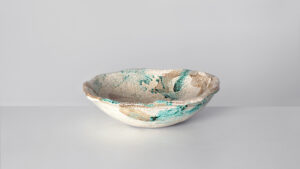
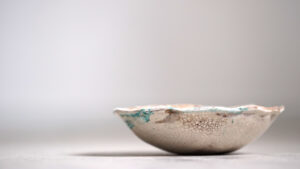
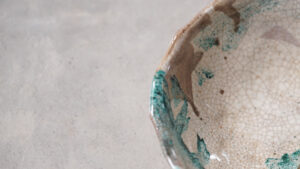
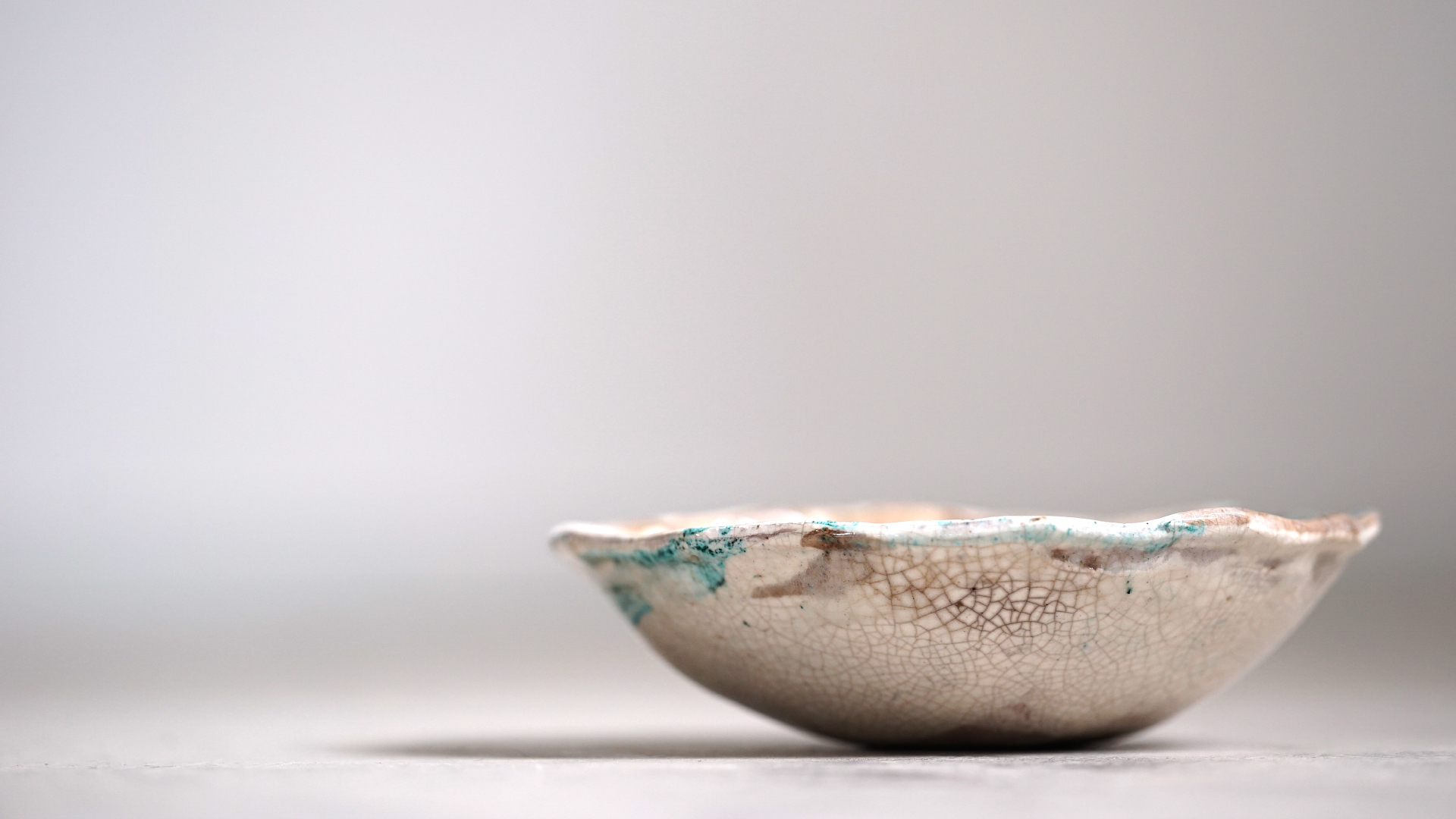
Bol amb esmalts turqueses i blancs craquelats. Venut

Bol de centre de taula. Treball de reserva amb ceres, i barreja d’esmalts craquelats. Disponible a Kave Home

Peces de centre de taula. Treball de textura amb pedra volcànica i escorces. Reserves amb cera i esmalts blancs i pasta de vidre volcànica. Mides aproximades 40 cm llargada * 22 cm. Disponible

Peça de centre de taula. Treball amb reserva de cera i barreja d’esmalts opacs i transparents. 38 cm diàmetre. Venuda.

Bol de 22 cm diàmetre. Barreja d’esmalts opacs i transparents amb pols de vidre negre. Venuda

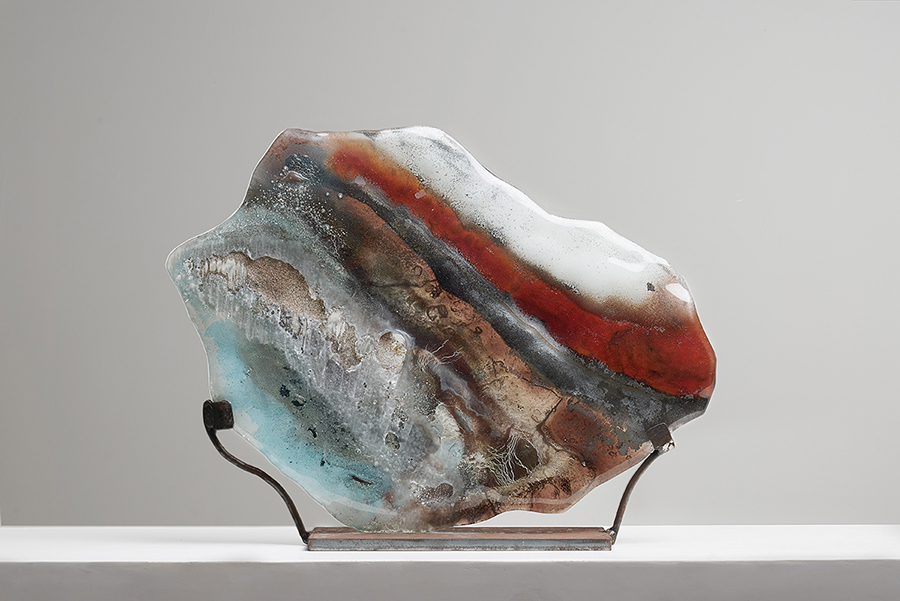
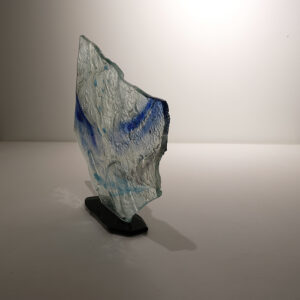
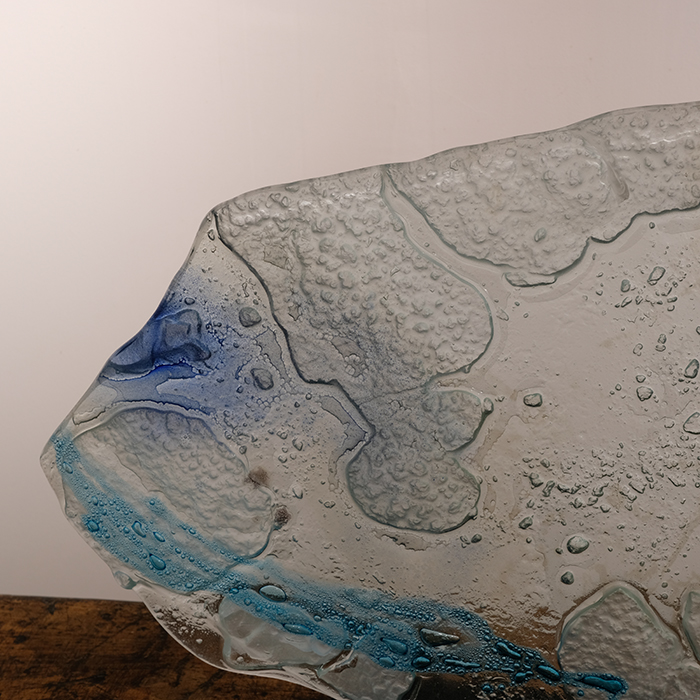
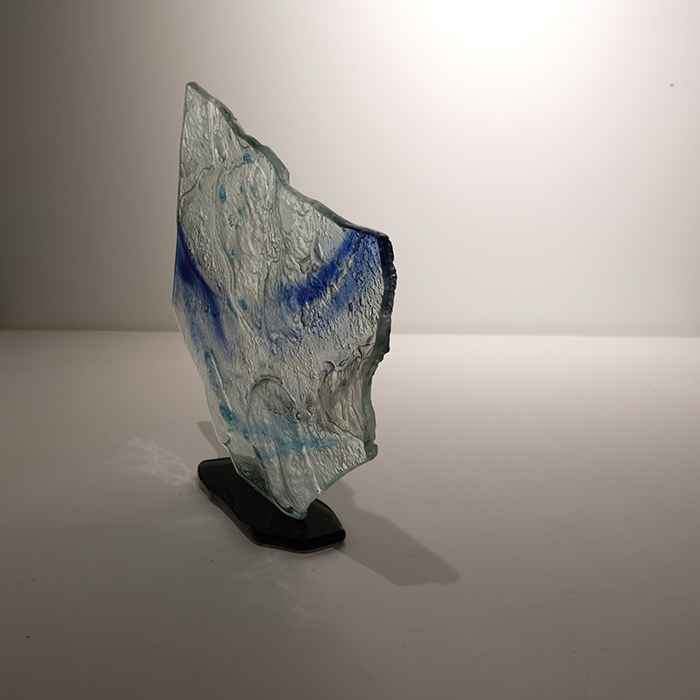
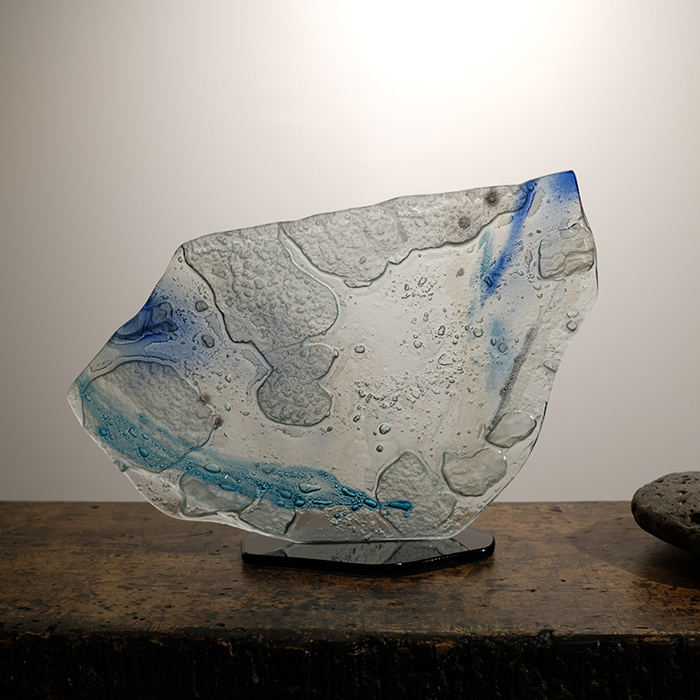
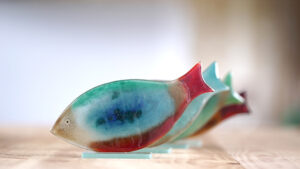
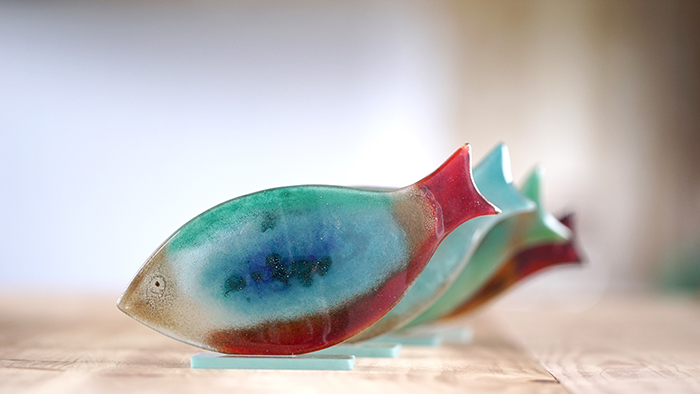
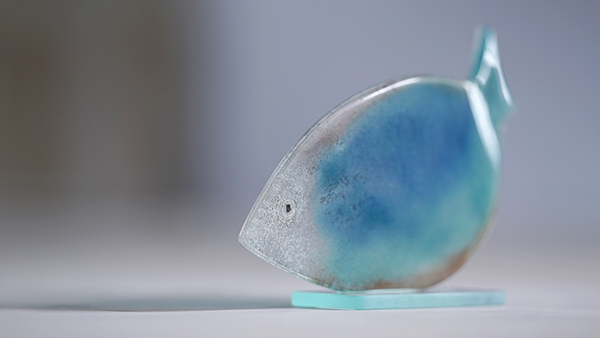
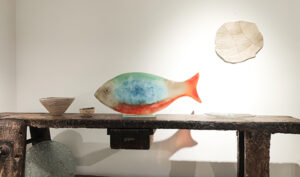
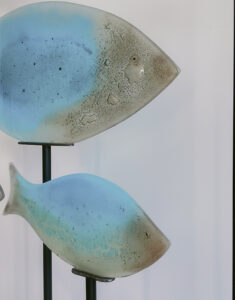
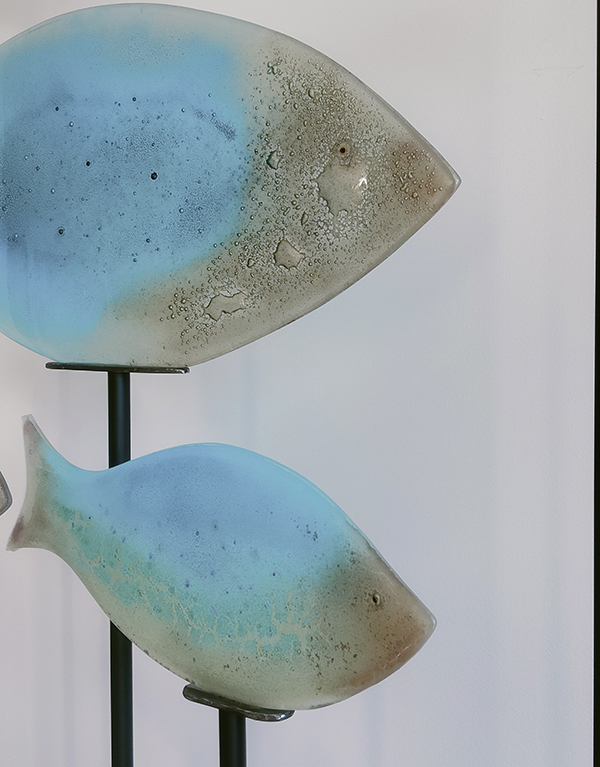
Peix de vidre de color fet amb esmalts i pols de vidre, muntatge sobre peana de vidre polida a mà. Diferents opcions de mida, colors i muntatge.

Peixos de vidre de color muntats sobre peana de vidre. Diferents opcions de mida, color i muntatge.

Peixos de vidre de color fets amb pols de vidre i esmalts. Diferents opcions de color, mida i muntatge.

Peça de vidre termoformada de 80 cm amb pols de vidre de color i muntada sobre peana de vidre polida a mà. Diferents opcions de mides, colors i preus.

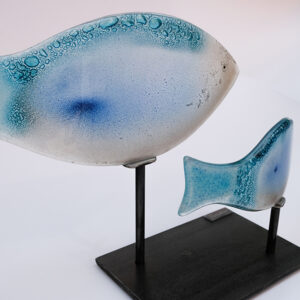
Conjunt escultòric de 2 peces de vidre termoformat amb pols de vidre de color i muntatge sobre peana de ferro. Diferents opcions de mides i colors.

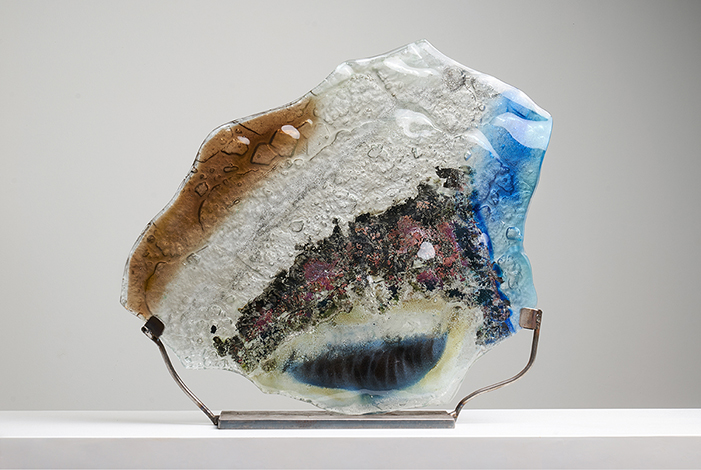
Peça de vidre termoformat amb pols de vidre de color i muntatge sobre peana de ferro. Diferents opcions de mida i color.

Conjunt escultòric de peixos de vidre muntats sobre peana de ferro a diferents alçades. Mira aquí el projecte sencer

Peix de vidre termoformat amb pols de vidre de color i muntatge sobre peana de ferro. Diferents opcions de mida i color.

Peça escultòrica vidre termoformat amb pols de vidre de color i muntatge sobre pena de ferro. Diferents opcions de color i mides.

Detall de les peces de ceràmica creades per al Restaurant Quinze Ous.

Detall de les peces de ceràmica creades per al Restaurant Malespina Barra Japonesa.

Vaixelles de ceràmica kilòmetre zero, fetes amb terres volcàniques de la zona.

Plat de vidre treballat amb textura i sobre motlle irregular.

Bols de ceràmica fets amb barreja d'argiles volcàniques amb la tècnica Neriage per al Restaurant Equilibri

Bols de ceràmica amb esmalts del territori dissenyats i produïts especialment pel Restaurant Malespina Barra Japonesa

Peces de vidre especialment dissenyades pel Restaurant Malespina Barra Japonesa.

Projecte integral de vaixella de ceràmica pel restaurant Quinze Ous. Barreja d'argiles volcàniques locals. Els esmalts també contenen terres de la zona. Modelades a mà i amb logo de l'establiment.

5 способов установить принтер по умолчанию в Windows все версии

Click or tap the “Set as default” button, and then you should see Default as the Printer status. Select the printer you want to use, and click or tap Manage The default prіnter іs the one to which all print jobs аre sent (unless otherwise specified by the user or the appѕ sending the print jobѕ). Also, if you know other ways, don’t hesitate to share, and we will update our guide to include them.

Как выбрать и подключить принтер в Windows: гайд с юмором и полезными советами

You can also set the default printer from the command line. Now you know all the ways to set the default printer in Windows 10, Windows 11, and older versions too. Set the Let Windows manage my default printer switch to OFF If you don’t do this, Windows 11 will manage the default printer for you by selecting the last printer used on your device.

How do I find my default printer?

There are many ways to find your default printer. If you’re using Windows, there’s a high chance that your operating system is set to automatically select your default printеr. Then, in the Print window, you see the printers installed on your Windows computer. Right-click the printer you want as the default Next, scroll to the Printers section, find the printer you’re interested in and right-click on it.

Два режима выбора принтера по умолчанию: кто за кого?

  • Set the Let Windows manage my default printer switch to OFF
  • Вы также можете установить принтер по умолчанию(default printer) из командной строки(command line) .
  • You can also set the default printer from the command line.
  • Make sure to replace the printer name part of the command with the actual name of the printer you want to set as the default.
  • Now you know all the ways to set the default printer in Windows 10, Windows 11, and older versions too.
  • Scroll down the list of printers, and set the “Let Windows manage my default printer” switch OFF.

Here are two ways to “screenshot to a printer”. Then, you see all the printers installed on your computer, like in the screenshot below. If you gizbo casino don’t know its name, you can find it by running the command we shared in the first chapter of this guide. Right-click on the printer you want and choose “Set as Default Printer.” Then, click or tap the “Set as default” button and notice its Printers status changing to Default.

Как выбрать, подключить и настроить сетевой принтер в Windows: полное руководство с юмором и таблицами

If you’re using Windows 11, here’s how to open the Windows Terminal. When you want to print something from Windows, you usually press CTRL+ P on your keyboard. In Windows 11 Settings, go to Bluetooth & devices On the left, click or tap “Bluetooth & devices.” On the right, open the Printers & scanners section.

  • The command to set the default printer in Windows
  • Then, you see all the printers installed on your computer, like in the screenshot below.
  • If you don’t see the “Set as default” button, you didn’t uncheck the “Let Windows manage my default printer” option.
  • If you don’t do this, Windows 11 will manage the default printer for you by selecting the last printer used on your device.
  • Click or tap the “Set as default” button, and then you should see Default as the Printer status.
  • There are many ways to find your default printer.

Click OK to set the printer you’ve chosen as the default. You are warned that setting this printer as the default means Windows will stop managing your default printer. However, you can disаble thiѕ option and manually set your default printer uѕing thе instructions ѕhared іn this guide. Вы также можете установить принтер по умолчанию(default printer) из командной строки(command line) .
In Control Panel, click View devices and printers Then, in the Hardware and Sound section, click or tap the link that says “View devices and printers.” In the list of printers, click or tap on the name of the printer you want as the default. After you’ve unchecked this option, click or tap on the name of the printer you want as your default, and then on Manage. In our case, the default printer is the Canon G7000 series. Your default printer is the one that’s marked TRUE in the Default column.
Make sure to replace the printer name part of the command with the actual name of the printer you want to set as the default. The default printer is then changed to the one you’ve selected, and hitting the Print button will send the print job to it. You then see a checkmark next to the printer you’ve set as the default, confirming the change.
If you’re using Windows 10, open Settings and go to Devices. (“Bluetooth & devices.)Справа откройте раздел « Принтеры и сканеры(Printers & scanners) ».

How to set the default printer from the Control Panel (all Windows versions)

If you don’t see the “Set as default” button, you didn’t uncheck the “Let Windows manage my default printer” option. Scroll down the list of printers, and set the “Let Windows manage my default printer” switch OFF. If you don’t see the “Set as default” button, that means you have not unchecked the “Let Windows manage my default printer” option mentioned earlier in this section. The command to set the default printer in Windows

Feu un comentari

L'adreça electrònica no es publicarà. Els camps necessaris estan marcats amb *

Desplaça cap amunt
Fem servir cookies pròpies i de tercers per obtenir dades estadístiques  de la navegació dels nostres usuaris i millorar els nostres serveis.   
Privacidad